table of contents
System Integration: The IT Specialist’s Toolkit for Seamless Connectivity
Introduction: What is System Integration?
Ever wondered how different software applications, hardware components, and cloud services can work together as if they were a single, unified system? That’s where system integration comes in. Think of it as the glue that connects all the vital parts of an organization’s technology infrastructure. System integration is the process of bringing these disparate systems together to share data, automate tasks, and create a more efficient and cohesive operational environment. It’s all about making everything work together, seamlessly.
In today’s complex technological landscape, system integration is more important than ever. Businesses rely on a multitude of systems to function, from customer relationship management (CRM) to enterprise resource planning (ERP) to supply chain management (SCM) systems. Without effective integration, these systems remain siloed, leading to data inconsistencies, manual processes, and reduced productivity. In this article, we’ll take a look at what system integration is and how IT specialists can leverage it to bring these systems together.
Understanding the IT Specialist’s Role in System Integration
So, where does the IT specialist fit into this picture? They’re the key players! The IT specialist is the architect, the builder, the problem-solver, and the ongoing caretaker of integrated systems. IT specialists act as the bridge between different systems, using their technical expertise to ensure smooth data flow, efficient operations, and a positive user experience. They are vital for companies, providing solutions to enhance productivity and drive growth.
The IT specialist’s role is multifaceted, encompassing everything from understanding business needs to designing integration solutions, implementing them, and then maintaining and optimizing the systems over time. It requires a combination of technical skills, analytical abilities, and strong communication to work with various teams and stakeholders, from business analysts to software developers to end-users. They need to understand the technology that they are working with, to be able to use it efficiently and effectively.
The System Integration Lifecycle: A Step-by-Step Guide
System integration isn’t a one-time event; it’s a process that involves several phases, each critical to the success of the project. Think of it like building a house: you wouldn’t just start hammering nails without a blueprint, right? Similarly, integration projects require a methodical approach. So let’s walk through the major steps involved in an average system integration project.
Requirements Gathering and Analysis: Unearthing the Needs
This is the foundational step, the equivalent of a home’s architectural plans. Requirements gathering and analysis involve understanding what the business needs from the integrated systems. It’s about asking the right questions: What data needs to be shared? What processes need to be automated? What are the performance requirements? IT specialists work with stakeholders to define these requirements, document them, and translate them into technical specifications. It is one of the most crucial phases in system integration projects.
Techniques for Effective Requirements Elicitation

How do you get these requirements? There are several techniques IT specialists use:
- Interviews: Talking to stakeholders to understand their needs and pain points.
- Workshops: Bringing people together to brainstorm and collaborate on solutions.
- Surveys: Gathering information from a wider audience.
- Document Analysis: Reviewing existing documentation to understand current processes.
The goal is to have a comprehensive understanding of what the integrated system must do, who will use it, and how it will be used.
Solution Design and Architecture: Building the Blueprint
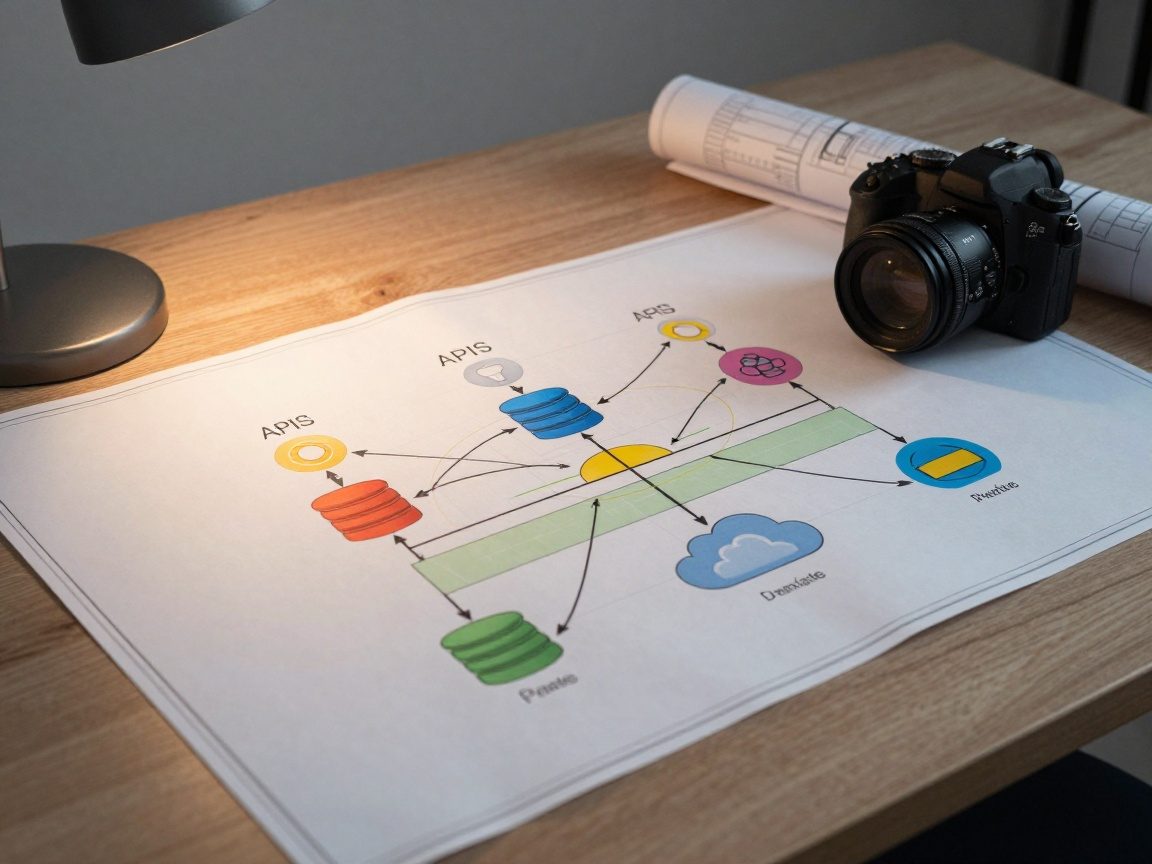
Once requirements are gathered, it’s time to design the solution. The IT specialist creates a blueprint, outlining how the systems will connect, how data will flow, and what technologies will be used. This includes choosing integration methods (like APIs, middleware, or custom integrations), defining data mapping and transformation rules, and designing the overall system architecture. The design must consider scalability, security, and maintainability.
Integration Development and Testing: Putting the Pieces Together
Now the hands-on work begins! The IT specialist, often working with developers, builds the integration components based on the design. This involves writing code, configuring systems, and setting up data flows. This is where the code is written to connect different systems, using all of the planning up to this point.
Testing Methodologies: Ensuring Quality
Thorough testing is essential. Testing ensures that the integration functions as expected and meets the requirements. There are several types of testing:
- Unit Testing: Testing individual components in isolation.
- Integration Testing: Testing how the components work together.
- System Testing: Testing the entire integrated system.
- User Acceptance Testing (UAT): Getting feedback from end-users.
This ensures that the integration is reliable, secure, and provides a seamless user experience.
Deployment and Monitoring: Going Live and Staying Vigilant
Once testing is complete, the system is deployed, or made live. This involves installing the integration components in the production environment, configuring access, and preparing users. But the job isn’t over! The IT specialist continuously monitors the system for performance issues, errors, and security breaches. Regular monitoring and proactive maintenance are critical to keep the integrated system running smoothly.
Documentation and Training: Empowering Users
Proper documentation and user training are important for the success of the integrated system. The IT specialist must create documentation that guides users and provides troubleshooting information. This could include user manuals, FAQs, and system documentation. Training should be delivered to users to make sure they can operate the new system effectively. Good documentation can also help maintain the integrated system over time.
Support and Maintenance: Keeping the System Running Smoothly
System integration is not a “set it and forget it” process. The IT specialist provides ongoing support to users and performs regular maintenance to ensure the system continues to function correctly. This includes fixing bugs, updating software, and addressing any issues that arise. They might also have to tweak the system depending on the user’s use cases.
Performance Optimization: Fine-Tuning for Efficiency
As systems evolve and data volumes increase, performance optimization becomes important. IT specialists analyze the system’s performance, identify bottlenecks, and implement changes to improve efficiency. This might involve optimizing database queries, upgrading hardware, or fine-tuning system configurations.
Essential Skills for IT Specialists in System Integration
So, what skills does an IT specialist need to excel in system integration? Here’s a rundown of the most important ones:
- Technical Expertise: A solid understanding of operating systems, databases, networking, and security is essential.
- Programming Skills: Proficiency in scripting languages (like Python, JavaScript, or PowerShell) and programming languages (like Java, C#, or C++) is often required for development and customization.
- Integration Technologies: Familiarity with various integration technologies like APIs, middleware, message queues, and ETL (extract, transform, load) tools is crucial.
- Analytical Skills: The ability to analyze business requirements, troubleshoot issues, and identify root causes is necessary.
- Communication Skills: IT specialists need to communicate effectively with both technical and non-technical stakeholders.
- Problem-Solving: The ability to think critically and find creative solutions to complex challenges is very valuable.
- Project Management: Understanding project management principles and using project management tools can help IT specialists successfully manage integration projects.
Tools and Technologies Commonly Used in System Integration
IT specialists have a range of tools and technologies at their disposal. Here are some examples:
- API Management Platforms: For managing and securing APIs (e.g., Apigee, MuleSoft Anypoint Platform).
- Middleware: Software that facilitates communication between applications (e.g., IBM MQ, Apache Kafka, RabbitMQ).
- ETL Tools: For extracting, transforming, and loading data (e.g., Informatica PowerCenter, Microsoft SSIS, Apache NiFi).
- Integration Platforms as a Service (iPaaS): Cloud-based platforms that offer integration capabilities (e.g., Dell Boomi, Oracle Integration Cloud, Zapier).
- Monitoring Tools: For monitoring system performance and identifying issues (e.g., Datadog, New Relic, Prometheus).
The specific tools used will vary depending on the project requirements and the organization’s technology stack.
The Future of System Integration: Trends and Predictions
System integration continues to evolve rapidly. Here are some trends to watch:
- Cloud-Based Integration: The adoption of cloud-based integration platforms (iPaaS) is increasing, offering greater flexibility and scalability.
- API-First Approach: APIs are becoming the standard for connecting systems, enabling greater interoperability and agility.
- Artificial Intelligence (AI) and Machine Learning (ML): AI and ML are being used to automate integration processes, improve data quality, and provide insights.
- Low-Code/No-Code Integration: These platforms allow users to create and manage integrations without writing code, making integration more accessible.
- Data Integration and Governance: Organizations are putting more emphasis on integrating, managing, and governing their data across all systems.
The IT specialist will need to stay up-to-date with these trends and continuously learn new technologies to remain effective.
Conclusion: Mastering the Art of System Integration
System integration is more than just connecting different systems; it’s about creating a seamless, efficient, and data-driven business environment. For IT specialists, mastering the art of system integration means becoming a skilled problem-solver, a technical expert, and a strong communicator. The IT specialist acts as the central hub for the whole process. By understanding the system integration lifecycle, developing the right skills, and staying on top of the latest trends, IT specialists can make a substantial impact on an organization’s success. It’s a challenging, but rewarding, field with endless opportunities for growth and innovation.
FAQs

1. What are the benefits of system integration?
System integration offers a range of benefits, including increased efficiency, improved data accuracy, reduced costs, better decision-making, enhanced customer experience, and increased overall productivity.
2. What are the different types of system integration?
There are several types of system integration, including data integration, application integration, process integration, and business process management (BPM) integration.
3. How long does a system integration project take?
The duration of a system integration project varies depending on the complexity of the project, the number of systems being integrated, and the size of the team. It could range from a few weeks to several months or even longer.
4. What are some common challenges in system integration?
Some common challenges in system integration include data inconsistencies, lack of standardization, security concerns, compatibility issues, and the need for stakeholder alignment.
5. What career opportunities are available for IT specialists in system integration?
IT specialists can pursue a range of careers in system integration, including integration architect, integration developer, integration consultant, and system administrator, to name a few.