table of contents
Endpoint Security & Device Management: A Critical Imperative
In today’s interconnected world, where businesses are increasingly reliant on technology, protecting the digital perimeter has become more complex than ever. One of the most vulnerable areas is the endpoint – your employees’ laptops, smartphones, tablets, and other devices that access your network. Endpoint security and device management are no longer optional; they are essential components of a robust cybersecurity strategy. So, why is this so important, and how do IT Security Analysts fit into the picture?
1.1 The Growing Threat Landscape
The threat landscape is constantly evolving, with cybercriminals developing more sophisticated attacks. Malware, ransomware, phishing, and social engineering tactics are continuously refined, making it harder than ever to defend against them. Remote work, the rise of cloud computing, and the proliferation of mobile devices have expanded the attack surface. Every device, regardless of its location, now represents a potential entry point for malicious actors. This evolution demands constant vigilance and proactive security measures.
1.2 Why IT Security Analysts Matter
IT Security Analysts are the frontline defenders in this battle. They are the experts who understand the threats, the vulnerabilities, and the tools needed to protect an organization. They are responsible for implementing and maintaining security measures, monitoring systems for threats, and responding to incidents. In a world where data breaches and cyberattacks can cripple a business, the role of the IT Security Analyst has never been more critical. They’re the guardians of your digital fortress, ensuring your business operates safely.
2. Endpoint Security Posture Assessment & Policy Enforcement
Before you can secure your endpoints, you need to know their current security posture. This is where endpoint security posture assessment comes into play. It’s like a thorough health checkup for your devices, identifying weaknesses and areas needing improvement. Building upon this assessment, you create a robust security policy framework.
2.1 Understanding the Assessment Process
An endpoint security posture assessment involves evaluating the security configuration of your devices. This includes examining operating system settings, installed software, user accounts, and network configurations. Analysts use specialized tools to scan endpoints, identify vulnerabilities, and check for policy compliance. The goal is to gain a complete understanding of the current security state and pinpoint areas needing attention. This process helps prioritize efforts and allocate resources effectively.
2.2 Building a Robust Policy Framework
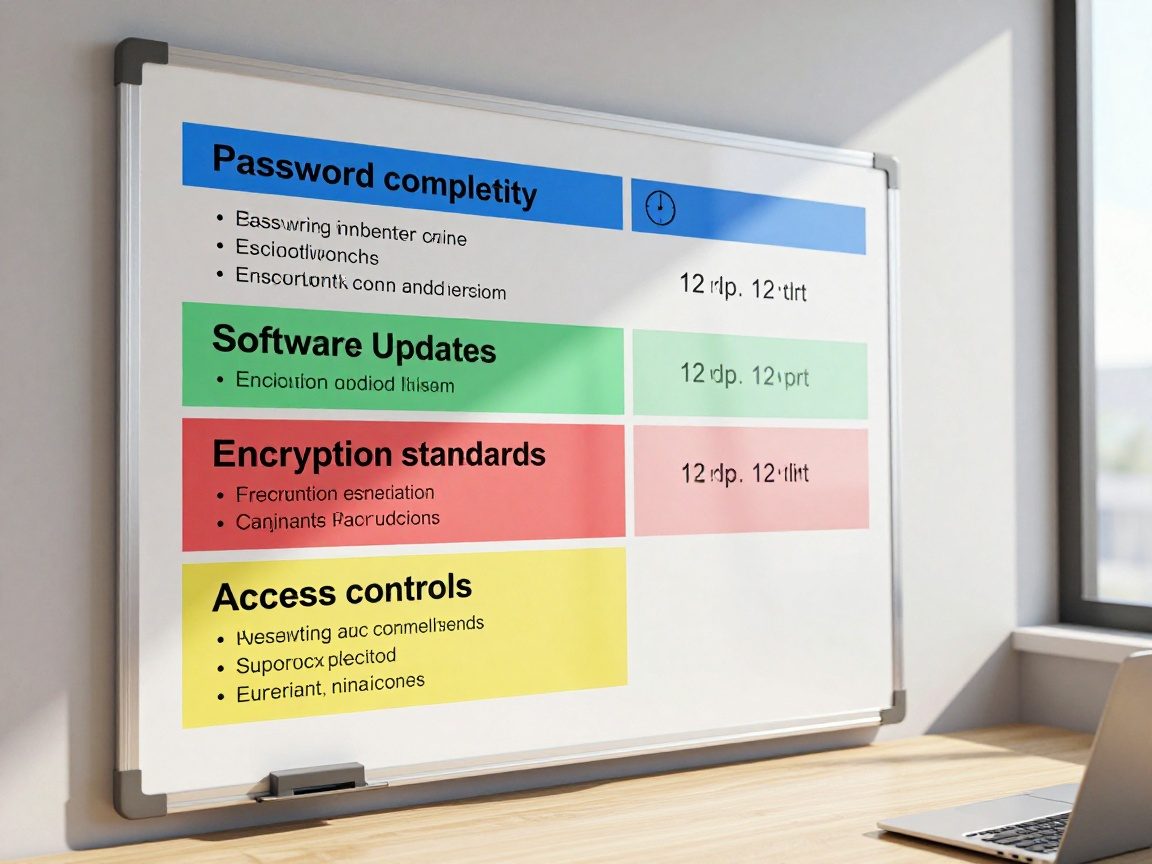
Once the assessment is complete, the next step is to establish a security policy framework. These policies act as the rules of engagement for your endpoints. The framework should cover everything from password complexity and software updates to data encryption and access controls. It should clearly outline the security standards employees need to follow. These policies are designed to standardize security practices across all devices and users. This includes defining security protocols, outlining user responsibilities, and detailing incident response procedures.
2.3 The Role of Automation
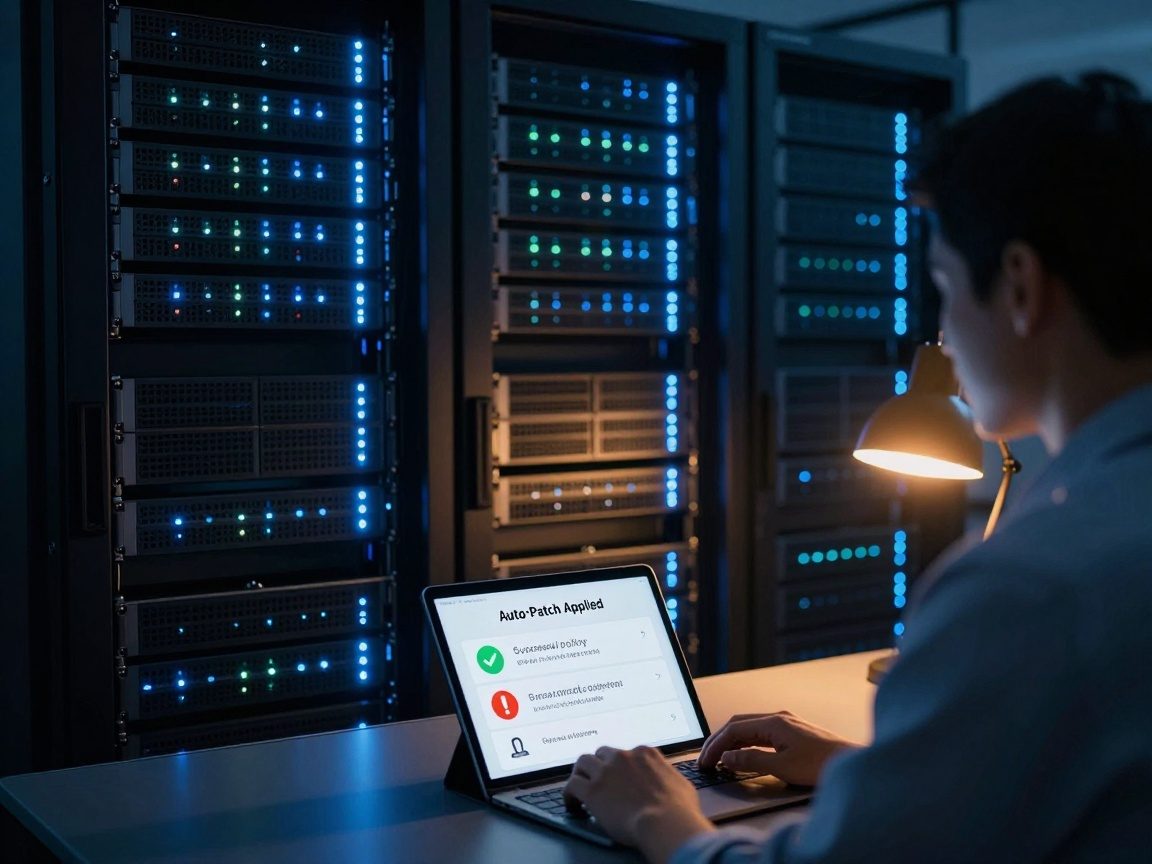
Automation plays a crucial role in endpoint security posture assessment and policy enforcement. Automated tools can quickly scan devices, identify vulnerabilities, and enforce security policies. This reduces the time and effort needed for manual assessments, allowing IT Security Analysts to focus on more strategic tasks. Tools also streamline policy deployment, ensuring consistency across all endpoints. Think of it as having a team of tireless robots constantly checking your devices.
3. Device Management & Inventory Control
Managing the sheer volume of devices within an organization can be daunting. Device management & inventory control helps. It ensures you know what devices you have, who’s using them, and where they are. Effective device management provides the control needed to protect data and assets.
3.1 Asset Discovery and Tracking
The first step is discovering and tracking all devices accessing your network. This involves creating a comprehensive inventory of all hardware and software. This inventory should include device type, operating system, installed applications, and ownership. By systematically cataloging all devices, you can track them, manage licenses, and ensure they adhere to security policies. Without a clear view of your assets, you’re essentially flying blind.
3.2 Mobile Device Management (MDM) and Beyond
Mobile Device Management (MDM) is a critical component of modern device management. MDM solutions allow IT Security Analysts to manage and secure mobile devices like smartphones and tablets. These tools allow you to remotely configure devices, enforce security policies, and wipe data if a device is lost or stolen. MDM goes beyond mobile, also covering laptops and other endpoints. It provides a centralized way to manage devices.
3.3 Implementing a BYOD (Bring Your Own Device) Strategy
Many organizations allow employees to use their devices (BYOD) for work. While BYOD can offer flexibility and convenience, it also increases security risks. Proper BYOD implementation involves establishing clear policies on device usage, security requirements, and data access. It means implementing mobile device management solutions to control these devices. Consider setting up separate containers to isolate work data from personal data. Training employees is crucial so they understand security risks and adhere to policies.
4. Endpoint Security Software Implementation & Maintenance
The right security tools are essential for safeguarding your endpoints. It’s not enough to buy software; you need to implement and maintain it effectively. Choosing the right tools and keeping them updated is a continuous process.
4.1 Selecting the Right Security Tools
Choosing the right security tools is crucial. This requires careful consideration of your organization’s needs and the threat landscape. Essential tools include antivirus software, endpoint detection and response (EDR) solutions, firewalls, and intrusion detection systems (IDS). The selection process should consider compatibility, features, cost, and ease of management. The best approach is to evaluate different tools through testing and proof-of-concept deployments to see how they work within your specific environment.
4.2 Deployment and Configuration Best Practices
Once you select your tools, you need to deploy and configure them effectively. Proper deployment involves installing software on all endpoints and ensuring it functions correctly. Configure tools to meet your organization’s needs and security policies. Configure and maintain security settings, such as regularly updating virus definitions and scanning schedules. This configuration should be as consistent as possible across all endpoints, reducing the risk of configuration drift.
4.3 Continuous Monitoring and Updates
Endpoint security is not a set-it-and-forget-it proposition. Continuous monitoring and regular updates are essential. IT Security Analysts should constantly monitor their security tools for threats, vulnerabilities, and performance issues. Ensure that software and security definitions are updated regularly to protect against emerging threats. Regular reviews and audits are also essential to ensure your tools are effective and aligned with your security policies.
5. Incident Response & Forensics
When a security incident occurs, a rapid and effective response is crucial. Incident response & forensics skills are a critical part of the IT Security Analyst’s toolkit. Knowing how to respond effectively to incidents, contain the damage, and analyze the cause is critical.
5.1 Proactive Incident Preparation
Preparation is the key to effective incident response. A well-defined incident response plan should outline the steps to follow in the event of a security breach. It should include roles and responsibilities, communication protocols, and escalation procedures. Regular training and simulations ensure that your team is ready to respond effectively. Having the right tools and processes in place before an incident can significantly reduce the impact and recovery time.
5.2 Containment, Eradication, and Recovery
When an incident occurs, the first step is containment – isolating the affected system or network to prevent further damage. This is followed by eradication – removing the threat, such as malware or malicious code. Once the threat is removed, the focus shifts to recovery – restoring systems and data. These are the core steps in a successful incident response process.
5.3 The Role of Digital Forensics
Digital forensics involves collecting and analyzing evidence to determine the cause of a security incident. This includes examining hard drives, network logs, and other data to understand how the attack occurred. Forensic analysis helps identify the root cause, the extent of the damage, and how to prevent future incidents. Forensic reports provide valuable insights to improve your security posture.
6. Security Awareness Training & Education
Even with the best security tools in place, the human element remains the weakest link. Security awareness training and education are vital for protecting your organization. Educating your employees on the threat landscape can create a strong first line of defense.
6.1 The Importance of Human Firewall
Employees are often targeted by phishing attacks, social engineering scams, and other threats. By educating them about the risks and how to identify them, you can turn them into a “human firewall”. They can recognize and report suspicious activity. Training should cover a wide range of topics, including phishing, password security, social engineering, and data privacy.
6.2 Creating Effective Training Programs
Effective security awareness training programs are engaging, informative, and regularly updated. They should be tailored to your organization’s specific needs and risk profile. Use a variety of methods, such as online modules, quizzes, and simulated phishing attacks, to reinforce learning. Make sure the training is accessible, easy to understand, and not overly complex.
6.3 Measuring Training Effectiveness
It’s important to measure the effectiveness of your training programs to ensure they are delivering results. Track metrics such as the number of employees who complete the training, the results of phishing simulations, and the number of security incidents. Use this data to improve your training programs and address areas where employees need additional support. By regularly measuring and adjusting, you can ensure your training efforts are making a real difference.
7. Staying Current with Security Trends & Best Practices
The security landscape is constantly evolving, requiring IT Security Analysts to stay informed and adapt to new threats and technologies. Ongoing learning and development are non-negotiable.
7.1 Ongoing Learning and Certifications
The IT security field is dynamic. Analysts must constantly update their skills and knowledge. Pursue certifications such as Certified Information Systems Security Professional (CISSP), Certified Ethical Hacker (CEH), or CompTIA Security+. These certifications can validate skills and demonstrate expertise. Stay current by following industry blogs, participating in webinars, and attending conferences.
7.2 Participating in Security Communities
Connecting with other security professionals is invaluable. Join online forums, attend local meetups, and participate in industry events. These communities are a great source of information. Networking allows you to learn from others, share insights, and stay informed about emerging trends. Sharing experiences with your peers helps you solve problems and strengthens your understanding.
7.3 Adapting to Emerging Threats
New threats emerge all the time. Analysts must be prepared to adapt and respond to these changes. Stay informed about new attack vectors, vulnerabilities, and security technologies. Assess your security posture. Be ready to update your policies, tools, and processes to meet these new challenges. By proactively monitoring and adapting, you can minimize the risks to your organization.
8. The Day-to-Day Life of an IT Security Analyst
So, what does a typical day look like for an IT Security Analyst? It’s a mix of proactive and reactive tasks. One day might involve analyzing security alerts and investigating incidents, while another might be spent reviewing security policies or implementing new security controls. The day-to-day activities vary depending on the organization and the specific role. However, some common tasks include:
- Monitoring security systems: Continuously monitoring firewalls, intrusion detection systems, and other security tools.
- Responding to incidents: Investigating security breaches, containing threats, and coordinating recovery efforts.
- Vulnerability management: Identifying and addressing security vulnerabilities.
- Policy enforcement: Ensuring that security policies are followed and enforced.
- Security awareness training: Educating employees about security best practices.
- Staying current: Keeping up with the latest security threats and technologies.
9. Tools of the Trade: Essential Technologies
IT Security Analysts rely on various tools and technologies to perform their duties. Here are some of the most essential:
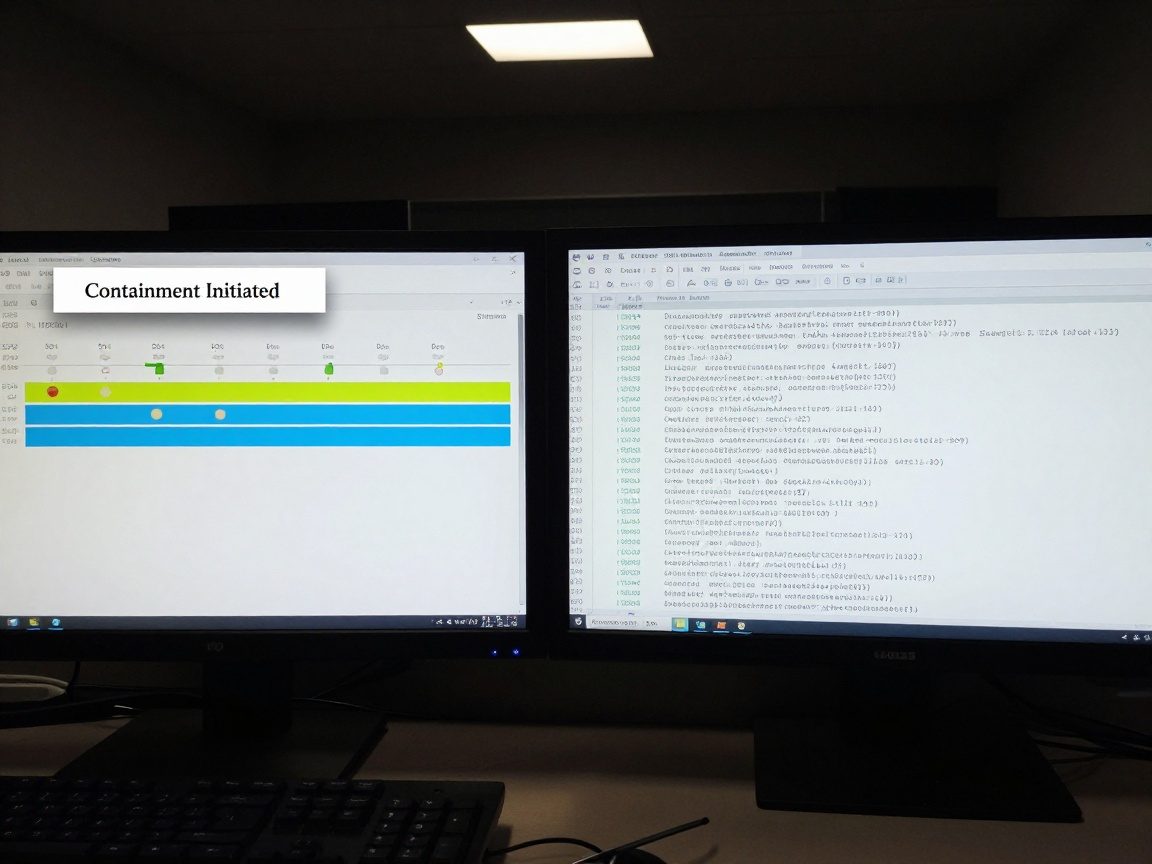
- Security Information and Event Management (SIEM) Systems: SIEM systems collect and analyze security data from various sources, such as logs and alerts. These tools provide valuable insights into security events and help identify threats. Examples include Splunk, QRadar, and Microsoft Sentinel.
- Endpoint Detection and Response (EDR) Solutions: EDR solutions provide real-time monitoring of endpoints, detecting and responding to threats. They offer advanced threat detection, investigation, and response capabilities. Popular options include CrowdStrike, SentinelOne, and Microsoft Defender for Endpoint.
- Vulnerability Scanners: Vulnerability scanners identify security vulnerabilities in systems and applications. They automate the vulnerability assessment process, helping analysts prioritize and remediate risks. Examples include Nessus, OpenVAS, and Qualys.
- Firewalls: Firewalls control network traffic, blocking unauthorized access and protecting against cyberattacks. They act as a barrier between the internal network and the outside world. Examples include Cisco, Palo Alto Networks, and Fortinet.
- Intrusion Detection and Prevention Systems (IDS/IPS): IDS/IPS monitor network traffic for malicious activity and either alert administrators or automatically block suspicious traffic. They provide an additional layer of protection against cyber threats. Examples include Snort and Suricata.
- Security Awareness Training Platforms: Platforms such as KnowBe4 and Proofpoint provide security awareness training modules and tools, including phishing simulations. These platforms help organizations educate employees about security threats and best practices.
10. Conclusion: Securing the Endpoint, Protecting the Future
Endpoint security and device management are no longer just IT tasks; they are strategic imperatives. They’re about protecting your business’s data, reputation, and future. IT Security Analysts are the guardians of the digital realm. By understanding the threats, implementing robust security measures, and staying ahead of the curve, they help organizations navigate the complex cybersecurity landscape. From assessing vulnerabilities to implementing policies, providing training, and responding to incidents, their work is essential. Protecting the endpoint today means protecting the future.
Frequently Asked Questions (FAQs)
1. What is the difference between endpoint security and network security?
Endpoint security focuses on protecting individual devices (endpoints) like laptops and smartphones. Network security focuses on protecting the entire network infrastructure, including servers, routers, and firewalls. Endpoint security is a subset of network security, and both are essential for comprehensive protection.
2. What are some common endpoint security threats?
Common endpoint security threats include malware (viruses, ransomware, etc.), phishing attacks, social engineering, data breaches, and unauthorized access. These threats can compromise data, disrupt operations, and damage an organization’s reputation.
3. How often should I update my endpoint security software?
You should update your endpoint security software regularly, ideally automatically. This includes updating antivirus definitions, patching vulnerabilities, and installing the latest security patches. The frequency of updates will depend on the software and the type of updates. It is generally best practice to update as soon as updates are available.
4. What is the role of AI in endpoint security?
Artificial intelligence (AI) is being used to improve endpoint security in several ways. AI can be used to detect and respond to threats more quickly, analyze large volumes of data to identify patterns, and automate security tasks. AI-powered endpoint security solutions are becoming more sophisticated.
5. How can I measure the effectiveness of my endpoint security program?
You can measure the effectiveness of your endpoint security program by tracking metrics such as the number of security incidents, the time to detect and respond to incidents, the number of successful phishing attacks, and the overall compliance with security policies. Regular security audits and penetration testing can also help assess effectiveness.