table of contents
Visual Design & UI Development: The UX/UI Designer’s Core Toolkit
Alright, let’s dive into the exciting world of UX/UI design! If you’re reading this, you’re likely curious about the core skills and responsibilities that make this field so dynamic. This article is your guide to understanding the crucial role a UX/UI designer plays, the specific tasks they perform, and how they contribute to creating user-friendly and visually appealing digital products. We’ll explore everything from the artistic side of visual design to the technical aspects of UI development. So, buckle up; it’s going to be a fun ride.
What Does a UX/UI Designer Do?
Let’s start with the big picture. What exactly does a UX/UI designer do? In a nutshell, they’re the architects of the digital world. They’re responsible for creating the interfaces that people interact with, ensuring those interfaces are not only beautiful but also easy to use and meet the needs of the end-user. It’s a blend of art, science, and problem-solving.
The Blend of User Needs and Aesthetics
At the heart of a UX/UI designer’s work is a delicate balance: blending user needs with compelling aesthetics. They must understand the user’s goals, behaviors, and pain points. Then, they translate those insights into intuitive and enjoyable user interfaces. That means making choices about visual elements, such as color, typography, and layout, that enhance the overall user experience. It’s about creating something that is both functional and beautiful, a symphony of form and function.
The UX/UI Designer’s Diverse Skill Set
A UX/UI designer wears many hats. They’re user researchers, information architects, visual designers, interaction designers, and sometimes even front-end developers. They should have a solid understanding of design principles, user experience methodologies, and the technical aspects of building digital interfaces. It’s a multidisciplinary field, requiring adaptability and a constant willingness to learn. You are constantly evolving because the landscape of UX UI is in flux.
Visual Design: Crafting the Look and Feel
Now, let’s zoom in on visual design, the art of making things look great. This area is all about creating the visual elements that make a product appealing and user-friendly. It’s where creativity meets strategic thinking.
Style Guide Creation: The Foundation of Consistency
Imagine a building without a blueprint, a piece of music without a score, or a website that changes its style with every page. That is a nightmare. Style guides provide the rules that create consistency and make the product instantly recognizable. These guides typically include color palettes, typography guidelines, UI component specifications, and brand guidelines. They ensure a cohesive and professional look and feel across the entire product, avoiding the Frankenstein monster of design.
Color Theory and Typography: The Visual Language
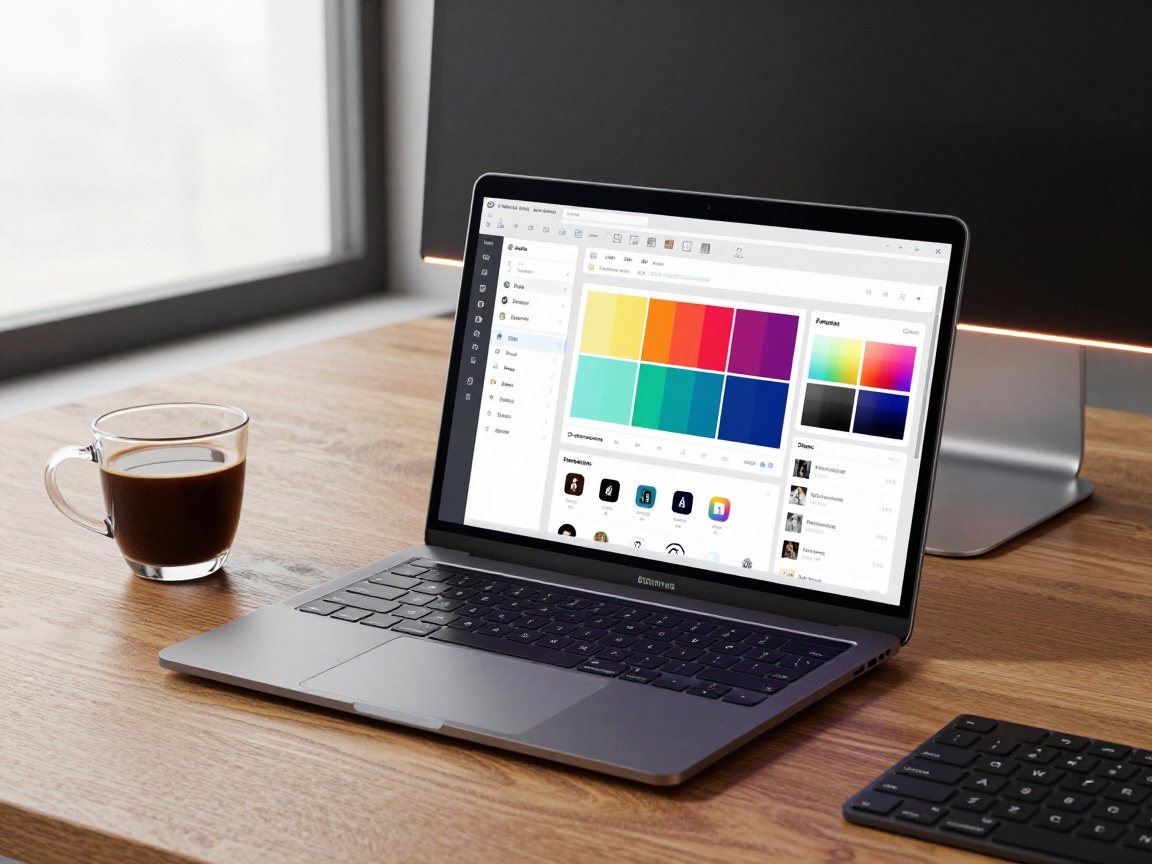
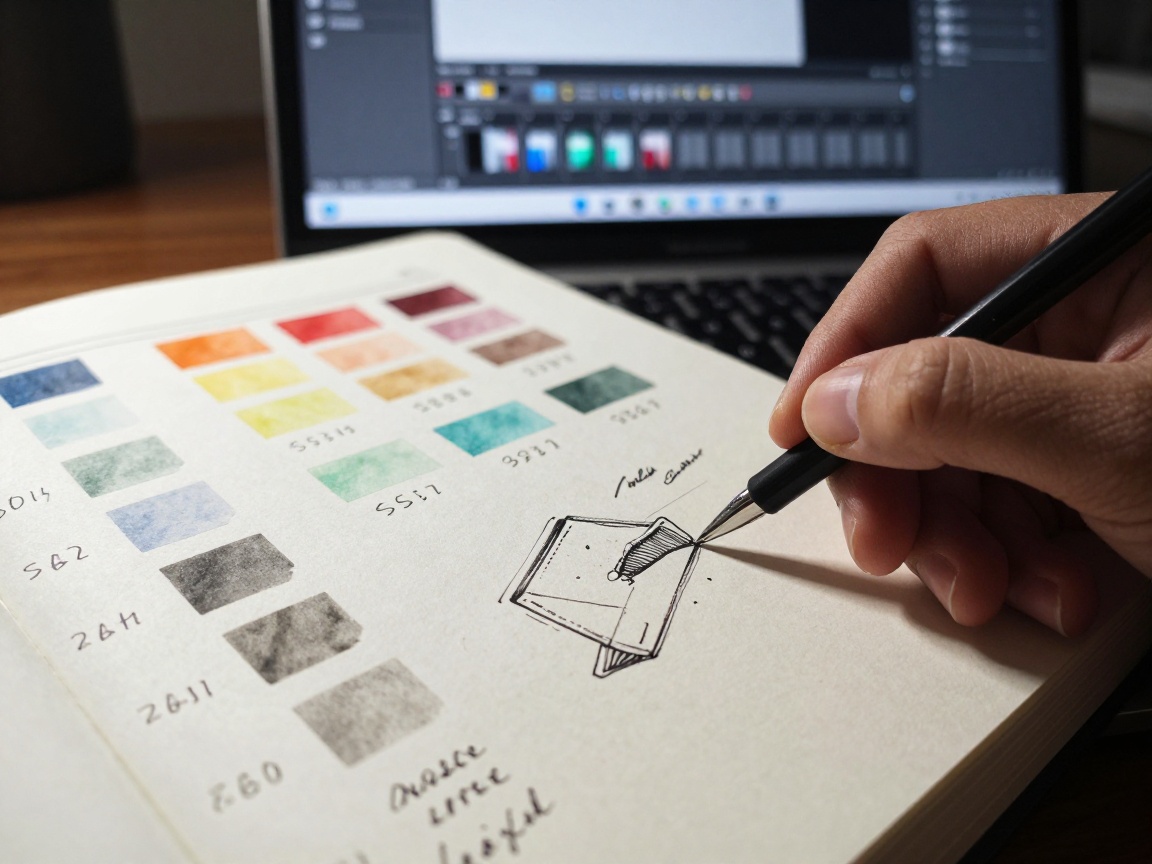
Color and typography are the building blocks of any visual design. They can significantly impact how users perceive a product. Color choices can evoke emotions, guide attention, and create a sense of brand identity. Typography determines the readability and visual hierarchy of the interface. Designers need to understand color theory, contrast, readability, and how to combine fonts effectively to create a visual language that is both effective and appealing.
Branding and Visual Identity: Communicating a Message
Visual design is a powerful tool for brand communication. The visual identity of a product—its logo, colors, typography, and overall design style—communicates its brand message. It’s what makes the product instantly recognizable and builds trust and loyalty. Designers work to ensure the visual identity aligns with the brand’s values and target audience. Think of Apple’s minimalist design or Netflix’s iconic red and black color scheme. They are instantly recognizable because of great visual design.
UI Development and Implementation: Bringing Designs to Life
The transition from static designs to functional digital interfaces is a pivotal step, and the UI designer plays a crucial role in this process. This involves using a variety of tools and technologies to bring designs to life and ensure a seamless user experience.
UI Components and Frameworks: Building Blocks of the Interface
User interfaces are built using various UI components like buttons, input fields, navigation bars, and menus. UI frameworks like Bootstrap, Material UI, and Ant Design provide pre-built components and styles, speeding up the development process and ensuring consistency. Designers often work closely with developers to select and customize these components to meet the product’s specific needs. These frameworks often utilize components and offer pre-built functions, like the one in React.
Front-End Development Basics: HTML, CSS, and Javascript
UI designers often need a basic understanding of front-end development technologies like HTML, CSS, and Javascript. HTML structures the content, CSS styles the layout and appearance, and Javascript adds interactivity. Being familiar with these technologies helps designers communicate more effectively with developers, create more realistic prototypes, and understand the technical limitations of their designs.
Design Systems: Streamlining the Development Process
Design systems are a collection of reusable components, guidelines, and code that streamline the design and development process. They ensure consistency across the product, improve efficiency, and make it easier to maintain and update the interface. Designers create and maintain design systems, ensuring they are up-to-date and meet the evolving needs of the product.
The Crucial Role of User Research and Usability Testing
UX/UI design isn’t just about aesthetics or technical skills; it’s fundamentally about understanding the user. User research and usability testing are critical to creating products that truly meet user needs.
Gathering User Insights: Understanding Your Audience

User research involves gathering insights into user behavior, needs, and motivations. This is done through methods like user interviews, surveys, and user observation. The goal is to understand who the users are, what they want to achieve, and the problems they face. The designer will create User personas based on the research, helping to create empathy for the target audience.
Usability Testing: Identifying Pain Points and Optimizing Designs
Usability testing involves having users interact with a product to identify usability issues. Testers observe how users navigate the interface, complete tasks, and express their feedback. This helps designers identify pain points, discover areas for improvement, and optimize the design to create a more user-friendly experience.
Iteration and Improvement: The Core of the Design Process
User research and usability testing are not one-time activities; they are ongoing processes. Designers use the feedback they gather to iterate and improve their designs continually. This iterative approach is crucial for creating products that evolve and adapt to user needs. It’s like sculpting – the designer keeps refining the form based on the feedback they receive.
Interaction Design and User Flow: Guiding the User’s Journey
Interaction design focuses on how users interact with a product. The goal is to create a seamless and intuitive user experience. It’s like being a tour guide, making sure the user has a pleasant journey through the product.
User Flows and User Journey Mapping
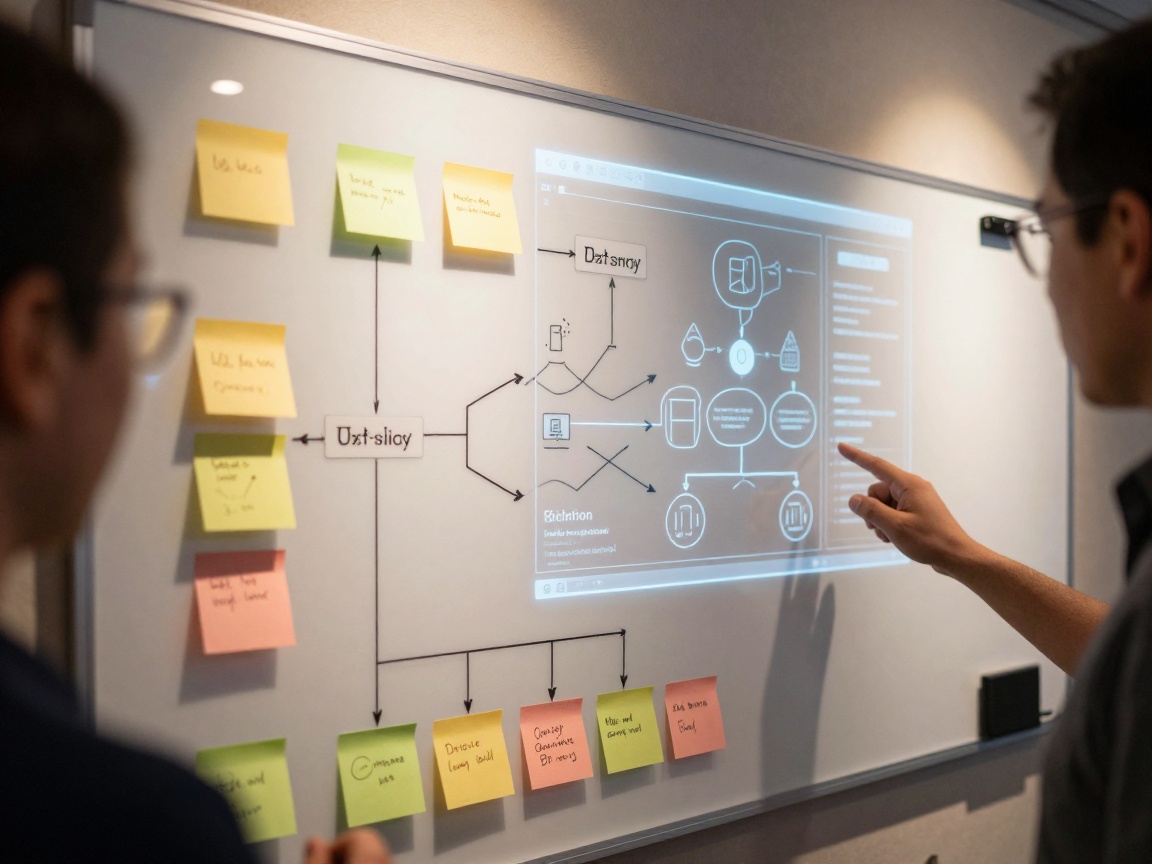
User flows map out the steps a user takes to complete a specific task within a product. User journey maps visualize the user’s end-to-end experience, from their initial awareness to their interaction with the product. These tools help designers identify potential bottlenecks and areas where the user experience can be improved.
Micro-interactions: Delightful Details That Enhance the Experience
Micro-interactions are small, focused interactions that enhance the user experience. Examples include animations, transitions, and feedback mechanisms. They add delight and make the product feel more polished and engaging. Think about the animation when you like a post on social media or the subtle feedback when you hover over a button.
Prototyping and Design Tools Proficiency: Bringing Ideas to Life Quickly
Prototyping allows designers to quickly test and refine their designs. It involves creating interactive models of the product, allowing users to experience the design and provide feedback before the product is built.
High-Fidelity and Low-Fidelity Prototypes
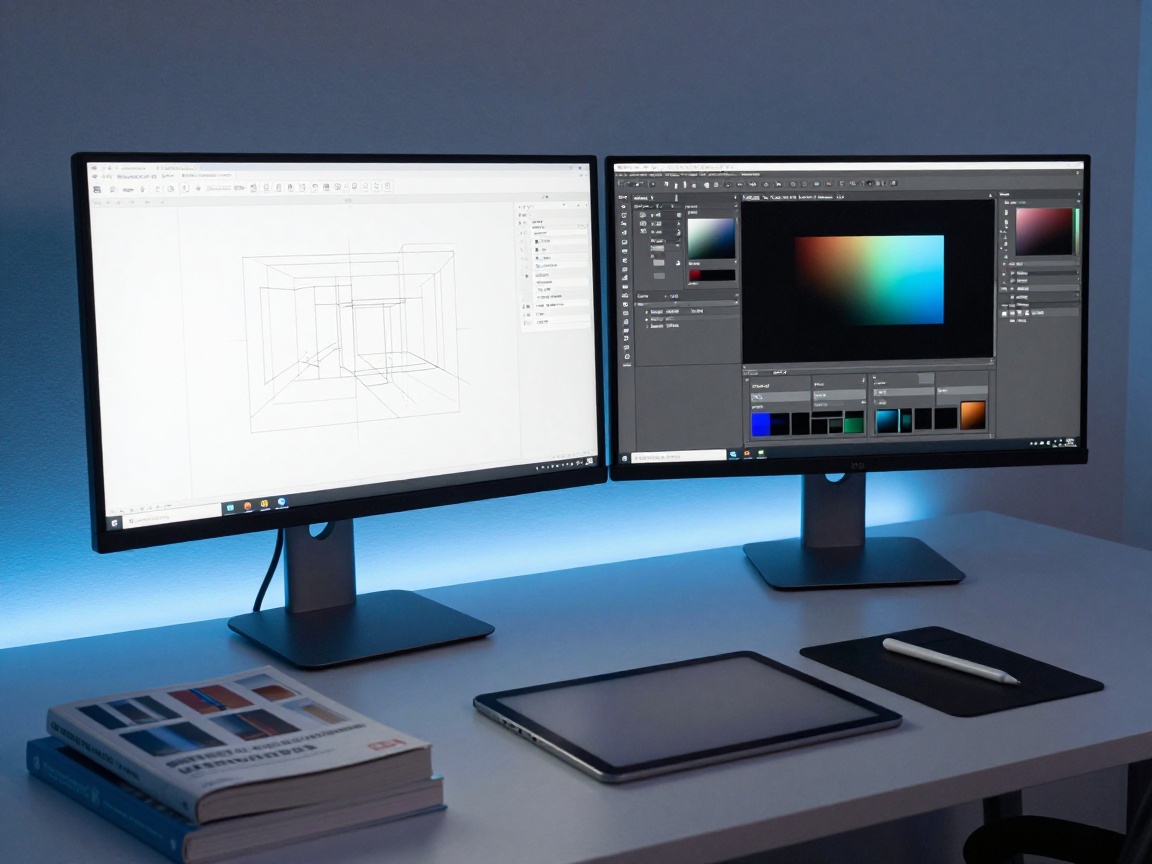
Low-fidelity prototypes are simple, basic representations of the product, often created using sketches or wireframes. High-fidelity prototypes are more detailed and interactive, mimicking the final product’s look and feel. Designers use both types of prototypes to explore different design options and test user interactions.
Mastering the Design Tool Stack: Figma, Sketch, Adobe XD and Others
Several design tools are available, each with its strengths. Figma is a web-based tool that allows real-time collaboration. Sketch is a popular tool for Mac users, while Adobe XD is part of the Adobe Creative Cloud. Designers need to master at least one of these tools, but often have experience with several. This helps them create, test, and refine designs efficiently.
Collaboration and Communication: Working Together for the Best Result
UX/UI design is rarely a solo endeavor. Designers work closely with other team members to create successful products. Effective collaboration and communication are crucial for success.
Communication with Stakeholders
UX/UI designers need to communicate effectively with stakeholders, including product managers, developers, and clients. They explain design decisions, present prototypes, and gather feedback. Good communication helps to ensure everyone is on the same page and aligned on the product’s goals.
Cross-Functional Teamwork
UX/UI designers are part of cross-functional teams, including developers, marketers, and product managers. They must work collaboratively, share knowledge, and be open to feedback. Effective teamwork is essential for creating successful products.
Staying Updated on Design Trends and Technologies: Continuous Learning
The field of UX/UI design is constantly evolving. New design trends and technologies emerge frequently. Staying updated is crucial for any designer.
Current Design Trends
Keeping an eye on current design trends, like minimalist design, dark mode, and micro-interactions, helps designers create products that are modern and appealing. Designers should follow design blogs, attend industry conferences, and network with other designers to stay informed.
Emerging Technologies
Emerging technologies, such as virtual reality, augmented reality, and artificial intelligence, are impacting UX/UI design. Designers need to explore these technologies to understand how they can be used to create new and innovative user experiences. They will need to know how to create new interactions that are suited for these technologies, too.
The Future of UX/UI Design
What does the future hold for UX/UI design? The field will likely continue to evolve, with increasing emphasis on user-centered design, accessibility, and inclusive design. There is an increased need for UX design. Designers will need to adapt to new technologies and develop new skills to stay ahead. UX research will become more important than ever. The evolution of design tools will make it easier to design things that will change the world.
Conclusion: The Ever-Evolving World of UX/UI Design
So there you have it. A comprehensive overview of the world of visual design and UI development, from the tasks a UX/UI designer is in charge of. From understanding user needs to crafting aesthetically pleasing and functional interfaces, this field is exciting and constantly evolving. The future is bright for UX/UI designers who embrace learning, collaboration, and a user-centered approach. As you continue on your journey in this field, remember the importance of empathy, iteration, and a relentless pursuit of user satisfaction. With hard work and dedication, you too can shape the digital experiences of tomorrow.
FAQs
-
What is the difference between UX and UI design?
UX (User Experience) design focuses on the overall user journey and how a user interacts with a product. UI (User Interface) design focuses on the visual elements of a product, such as the layout, colors, and typography, to make the user interface easy to use and visually appealing. Although they are separate, UX and UI work together to create a positive user experience. -
What tools should a UX/UI designer know?
The essential tools include design software like Figma, Sketch, or Adobe XD. Prototyping tools like InVision or Proto.io. These tools allow designers to test, create, and refine designs effectively. -
How important is a portfolio for a UX/UI designer?
A strong portfolio is essential for a UX/UI designer. It showcases their skills, projects, and design process. It’s the key to getting a job or attracting clients. -
How can I improve my UX/UI design skills?
Practice is the key. Work on personal projects, take online courses, and seek feedback on your designs. Stay informed of the latest trends and technologies in the field. Build a portfolio! -
What soft skills are important for UX/UI designers?
Communication, collaboration, problem-solving, and empathy are critical soft skills. Designers work with a diverse group of people and need to understand and meet user needs.