
table of contents
The Security Administrator’s Guide to Vulnerability Management & Patching
Picture this: You’re a Security Administrator, the first line of defense in a digital battlefield. Your mission? To safeguard your organization’s vital information and systems from the ever-present threat of cyberattacks. One of your most crucial tasks is Vulnerability Management and Patching. Think of this as the relentless cycle of identifying weaknesses, closing the gaps, and keeping your digital kingdom secure. Ready to dive in? Let’s get started!
The Critical Role of a Security Administrator
Before we get into the nitty-gritty, let’s acknowledge the weight on your shoulders. As a Security Administrator, you’re not just a techie; you’re a guardian. You wear many hats: incident responder, policy enforcer, and, above all, a protector. In a world where cyber threats are constantly evolving, your role is more critical than ever. Your expertise in vulnerability management and patching is the cornerstone of a robust security posture. It’s about proactively identifying and mitigating risks before they can be exploited.
Understanding Vulnerability Management & Why it Matters
Let’s peel back the layers and understand what this whole Vulnerability Management thing is all about. Simply put, it’s the ongoing process of identifying, assessing, and remediating security weaknesses within your systems and applications. It’s like a doctor diagnosing an illness and prescribing the cure, except the patient is your IT infrastructure. The aim is to reduce the attack surface and minimize the chances of a successful breach. But why is this so darn important?
Defining Vulnerability
Think of vulnerabilities as the cracks in your digital armor. A vulnerability is a flaw or weakness in a system, application, or network that can be exploited by attackers. These weaknesses can arise from coding errors, misconfigurations, or outdated software. Without constant vigilance, these vulnerabilities can become doors to your network, inviting malicious actors to waltz right in.
The Patching Paradox: Balancing Security and Stability
Here’s the deal, patching is often a balancing act. On one hand, you need to apply patches ASAP to fix vulnerabilities. On the other, applying a patch can sometimes introduce new problems. Imagine patching a tire on a moving car; you want to fix the flat, but you also don’t want to cause a bigger accident. It’s a delicate dance between staying secure and ensuring your systems keep running smoothly. That’s why a well-thought-out patching strategy is essential.
Core Tasks: A Deep Dive
Alright, let’s get our hands dirty and look at the core tasks involved in vulnerability management and patching. This is where you’ll be spending most of your time.
Vulnerability Scanning and Assessment
Vulnerability scanning is like a health checkup for your IT environment. It involves using specialized tools to scan your systems and applications for known vulnerabilities. The aim is to create a list of what needs fixing. The assessment part then takes those scan results and analyzes them to understand their severity, the potential impact, and the effort needed to fix them.
Choosing the Right Scanning Tools
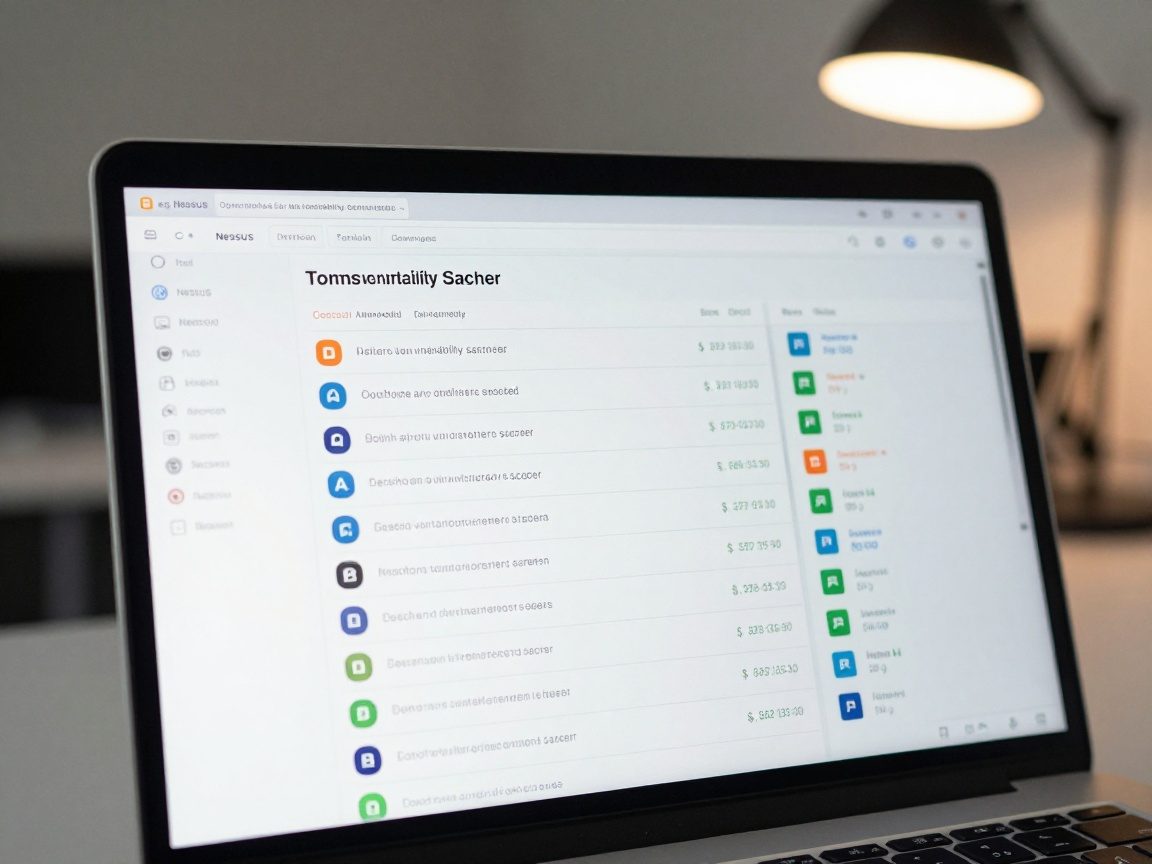
There are various vulnerability scanners available. Popular choices include Nessus, OpenVAS, and Qualys. The best tool will depend on your organization’s size, budget, and specific needs. Be sure to do your research. A good scanner will not only find vulnerabilities, but also provide detailed information about them and their potential impact. It should give you actionable insights.
Interpreting Scan Results: Prioritizing Risks
Scan results can be overwhelming. You’ll likely get a mountain of vulnerabilities, all vying for your attention. This is where prioritization comes in. You need to decide which vulnerabilities pose the biggest risk. Factors to consider include the severity of the vulnerability, the likelihood of exploitation, and the value of the assets at risk. Prioritize fixing the most critical vulnerabilities first.
Patch Management: The Lifeline of Security
Patching is the process of installing updates to fix vulnerabilities. It’s like a constant race against time. You need to get those patches installed as soon as possible, but also in a controlled way to avoid breaking things.
Patching Strategies: A Tailored Approach
There’s no one-size-fits-all patching strategy. You need to tailor your approach to your organization’s specific needs and risk profile. You might consider a phased rollout, patching critical systems first, followed by less critical ones. Create a testing environment so you can make sure a patch won’t cause problems before you deploy it everywhere.
Testing Patches: Before You Deploy
Before deploying patches across your entire network, test them in a non-production environment. This will help you identify any compatibility issues or unexpected behavior. It’s like a dress rehearsal before the big performance. You can test, identify and fix issues to ensure a smooth rollout.
Vulnerability Remediation: Fixing What’s Broken
Remediation is the process of fixing the vulnerabilities that your scans have identified. It’s about going beyond just patching. Sometimes, you’ll need to implement other measures to mitigate risks, such as changing configurations or implementing workarounds.
Prioritizing Remediation Efforts
Not all vulnerabilities are created equal. Prioritize remediation efforts based on the severity of the vulnerability, the likelihood of exploitation, and the business impact. The goal is to address the most critical risks first. Think of it as triage in a hospital setting; the most urgent cases get immediate attention.
Implementing Remediation: Beyond Patching
Sometimes, patching isn’t enough. Remediation may involve implementing other measures. This can include configuring firewalls, implementing intrusion detection systems, or even changing default passwords. It’s all about mitigating risk and creating a multi-layered defense.

Security Awareness Training: Empowering the Human Firewall
As a Security Administrator, you know that no system is perfectly secure. That’s why you need to focus on the human element. Security awareness training is one of the most effective ways to protect your organization.
Tailoring Training to Your Audience
Security training should be tailored to different roles and responsibilities within your organization. What a developer needs to know will be different from what a marketing person needs to know. Make the training relevant, engaging, and easy to understand. Consider using real-world examples and scenarios to make it more impactful.
Measuring Training Effectiveness
Don’t just assume that training is effective. Measure its effectiveness by conducting quizzes, surveys, and simulated phishing exercises. Track metrics like click-through rates on phishing emails to see if training is actually making a difference.
Vulnerability Reporting and Communication: Keeping Everyone Informed
Transparency is key. You must keep stakeholders informed about vulnerabilities and the actions you are taking to address them. This builds trust and ensures everyone is on the same page.
Creating Clear and Concise Reports
Reports should be clear, concise, and easy to understand. Use plain language and avoid technical jargon where possible. Include a summary of the vulnerabilities, their potential impact, and the steps you are taking to mitigate the risks.
Communicating with Stakeholders
Communicate regularly with key stakeholders, including management, IT teams, and end-users. Keep them informed about any major vulnerabilities, incidents, and your remediation efforts. This will help foster a culture of security awareness within your organization.
Process Improvement and Automation: Working Smarter, Not Harder
Let’s look at ways to streamline your work. Vulnerability management and patching can be time-consuming. Process improvement and automation can help you work more efficiently.

Automating Patch Deployment
Automate the patch deployment process as much as possible. Use tools like Microsoft Endpoint Manager, or other solutions to automatically deploy patches to your systems. Automation can save you time and reduce the risk of human error.
Continuous Monitoring and Improvement
Vulnerability management and patching is an ongoing process. Continuously monitor your systems for vulnerabilities and look for ways to improve your processes. This can include updating your scanning tools, refining your patching strategies, or providing additional training to your team.
Staying Up-to-Date with Security Trends: The Never-Ending Learning
The security landscape is constantly evolving. Stay informed about the latest threats, vulnerabilities, and best practices. This is a field where you can never stop learning.
Following Industry Publications and Blogs
Follow industry publications, blogs, and security researchers to stay up-to-date on the latest threats and vulnerabilities. Subscribe to security newsletters and set up Google Alerts for relevant keywords.
Participating in Security Communities
Engage with the security community. Participate in online forums, attend conferences, and network with other security professionals. This will provide you with valuable insights and help you stay ahead of the curve.
Tools of the Trade: A Security Administrator’s Toolkit
To succeed, you need the right tools. Here are some essential tools for a Security Administrator:
- Vulnerability Scanners: Nessus, OpenVAS, Qualys, Rapid7 InsightVM
- Patch Management Systems: Microsoft Endpoint Manager, WSUS, SolarWinds Patch Manager
- SIEM (Security Information and Event Management) Systems: Splunk, Microsoft Sentinel, QRadar
- Endpoint Detection and Response (EDR) Tools: CrowdStrike Falcon, SentinelOne, Tanium
- Configuration Management Tools: Ansible, Chef, Puppet
Measuring Success: Key Performance Indicators (KPIs)
How do you know if you’re doing a good job? You need to measure your success using key performance indicators (KPIs). Here are some examples:
- Mean Time to Remediate (MTTR): The average time it takes to remediate a vulnerability.
- Number of Critical Vulnerabilities: The number of high-severity vulnerabilities identified in your environment.
- Patch Compliance Rate: The percentage of systems that are up-to-date with patches.
- Training Completion Rate: The percentage of employees who have completed security awareness training.
- Vulnerability Scan Frequency: How often vulnerability scans are run.
Challenges and How to Overcome Them
You’ll face challenges. Budget constraints, limited resources, and complex IT environments can make vulnerability management and patching difficult. Here are some tips for overcoming these challenges:
- Prioritize ruthlessly. Focus on the most critical vulnerabilities.
- Automate everything you can. Automation saves time and reduces errors.
- Communicate effectively. Keep stakeholders informed about your progress.
- Seek help when you need it. Don’t be afraid to ask for assistance from other teams or external vendors.
- Stay informed. Keep up-to-date on the latest threats and best practices.
The Future of Vulnerability Management
The future of vulnerability management is all about automation, threat intelligence, and proactive security. Expect to see more AI-powered tools, increased integration with cloud environments, and a greater focus on proactive threat hunting. Staying ahead of the curve is key.
Conclusion: Protecting the Digital Fortress
As a Security Administrator, your role is a critical one. Your efforts to identify, assess, and remediate vulnerabilities are vital to protecting your organization from cyber threats. By mastering the art of vulnerability management and patching, you’re not just fixing software flaws; you’re building a digital fortress. The key is to create a robust, proactive, and constantly evolving security program. Stay vigilant, embrace automation, and continuously learn and adapt. The future of your organization’s security depends on it!
FAQs
-
What is the difference between vulnerability scanning and penetration testing?
Vulnerability scanning identifies potential weaknesses, while penetration testing simulates real-world attacks to exploit those vulnerabilities. -
How often should I run vulnerability scans?
The frequency of vulnerability scans should be based on your organization’s risk profile. However, scans should be run at least quarterly, and often more frequently, especially after major system changes or during a security incident. -
What should I do if a patch causes a system outage?
Have a rollback plan ready before patching. If a patch causes an outage, revert to a previous system state. Then, investigate the root cause before re-deploying the patch. -
How can I convince my management to invest in vulnerability management tools?
Present a clear business case that outlines the risks, potential impact, and cost savings of a strong vulnerability management program. Use data and metrics to support your arguments. -
What are the best resources for staying informed about vulnerabilities?
Subscribe to security newsletters, follow reputable security blogs and publications, participate in industry forums, and monitor vulnerability databases such as the National Vulnerability Database (NVD).