
table of contents
Mastering Change: A Guide to Change Management for IT Support Staff
Hey there, tech enthusiasts! Let’s face it; change is the only constant in the fast-paced world of Information Technology. Whether it’s a software update, a hardware upgrade, or a complete system overhaul, change is always on the horizon. As IT support staff, you’re on the front lines, often the first point of contact for users experiencing these transitions. That’s where change management comes in—a structured approach to ensure these transitions are as smooth as possible, minimizing disruption and maximizing user satisfaction. This article will dive deep into what change management entails, your crucial role in it, and how to excel in this increasingly important area.
The Ever-Shifting Landscape of IT: Why Change Management Matters
The IT world is a dynamic ecosystem, and technological advancements are the driving force behind it. These rapid advancements directly impact IT support teams, making change management a critical competency.
The Pace of Technological Advancement
New technologies emerge at an unprecedented rate, from cloud computing and artificial intelligence to the Internet of Things (IoT) and beyond. Businesses are under constant pressure to adapt and implement these technologies to stay competitive. These continuous changes necessitate a proactive approach to managing them. Without effective change management, the implementation of new technologies can lead to chaos, inefficiency, and user frustration.
The Impact of Change on IT Support Staff
IT support staff are frequently the first to experience the ripple effects of these technological shifts. You’re the ones fielding the calls, answering the questions, and troubleshooting the issues that arise when systems change. This role underscores the importance of robust change management practices. Properly executed change management empowers IT support staff to navigate transitions efficiently and effectively, fostering a positive user experience.
Core Responsibilities: IT Support’s Role in Change Management
So, what does change management look like from the perspective of an IT support staff member? Let’s break down your key responsibilities.
Communicating Change Initiatives Effectively
Communication is the cornerstone of successful change management. Keeping users informed about upcoming changes, their potential impact, and how to navigate them is crucial.
Choosing the Right Communication Channels
Not all users are created equal when it comes to their preferred methods of receiving information. Consider who your target audience is. Are they heavy email users? Do they prefer instant messaging, or is a team meeting a better approach? Maybe even a company newsletter would be a good fit. The key is to use a combination of communication channels to ensure all users are adequately informed.
Crafting Clear and Concise Messaging
Technical jargon might be second nature to you, but it can be confusing and overwhelming for many end-users. Use plain language, avoid overly technical terms, and provide clear instructions. Explain the “what,” the “why,” and the “how” of the change. What’s going to change? Why is it happening? How will it affect users? Give users what they need to know.
Providing Training and Support for New Systems
Implementing new systems or updates without providing adequate training is like giving someone a car without teaching them how to drive. It will just end up being a disaster.
Identifying Training Needs
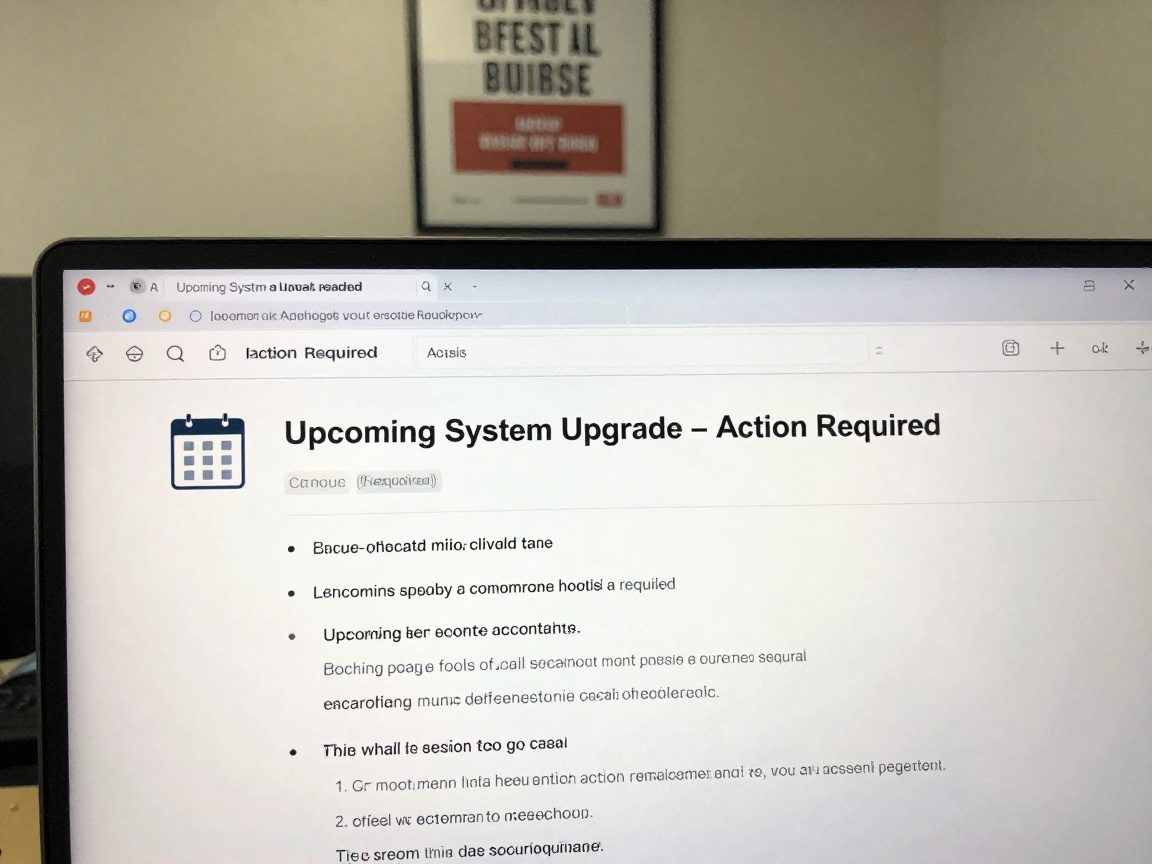
Before any change goes live, assess the training needs. What do users need to know to be successful with the new system or update? What are the most common tasks they’ll perform? Understanding these needs will help you create targeted training materials.
Delivering Effective Training Programs
There are numerous training formats; from video tutorials to online courses to in-person workshops. Select the format that best suits your audience and the complexity of the change. Make sure you provide all the training options, so you don’t leave any users behind. Always keep the training concise, engaging, and practical.
Gathering Feedback and Addressing Concerns
Change management isn’t a one-way street. It’s essential to create avenues for users to provide feedback and voice their concerns.
Creating Feedback Mechanisms
Establish various feedback mechanisms, such as surveys, feedback forms, help desk tickets, and dedicated feedback channels. Make it easy for users to share their thoughts and experiences.
Responding to Feedback and Resolving Issues
Listen to the feedback, acknowledge concerns, and address them promptly. This shows that you value the user’s input. Take the time to fully understand their feedback. Respond promptly to all feedback, even if it’s to say that you’re looking into it.
Monitoring Change Implementation for Success
Once the change goes live, the work isn’t over; it’s just beginning. You must monitor the implementation to ensure it’s running smoothly.
Tracking Key Performance Indicators (KPIs)
KPIs are measurable values that demonstrate how effectively a company is achieving key business objectives. Track relevant KPIs such as user adoption rates, help desk ticket volumes, and system performance metrics.
Identifying and Mitigating Risks
Anticipate potential issues and proactively address them. Things that can go wrong will, so be prepared for them. Create contingency plans to minimize the impact of any problems that arise.
Assisting with Rollback Planning: A Safety Net
Rollback planning is critical for managing complex changes. This means having a plan to revert back to the previous state if something goes wrong.
Defining Rollback Triggers
Determine the conditions that would trigger a rollback, such as critical system failures or widespread user issues.
Executing the Rollback Plan
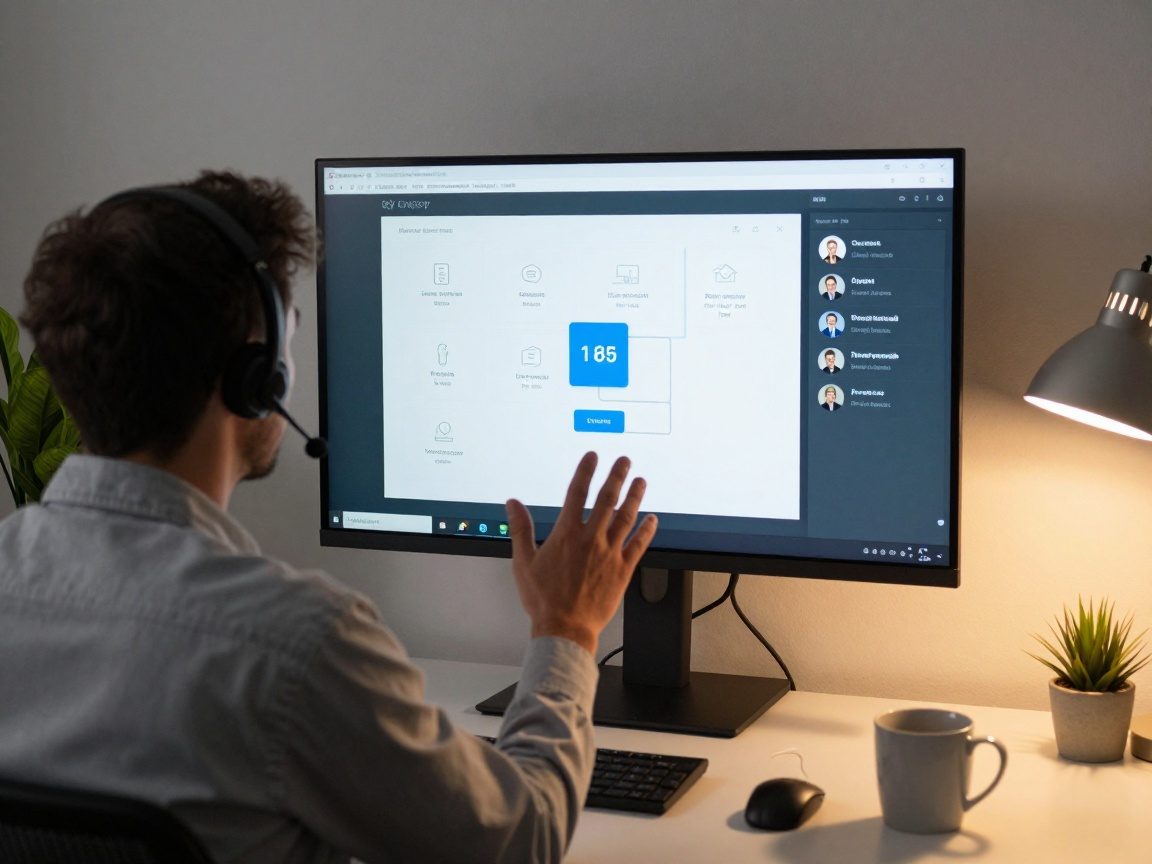
Develop a detailed rollback plan and test it thoroughly. Ensure the plan is readily accessible and understood by all involved parties.
Essential Skills for IT Support Change Management
Effective change management requires a blend of technical and soft skills.
Communication and Interpersonal Skills
Clear and concise communication is key, as mentioned earlier. You must explain technical concepts to non-technical users and listen empathetically to their concerns. Building rapport and establishing trust are essential.
Technical Proficiency
A strong understanding of the technologies being changed is a must. You need to know the ins and outs of the systems you support and how changes will affect them.
Problem-Solving and Analytical Skills
Change often brings unexpected challenges. You must analyze problems, identify root causes, and develop effective solutions. Being able to troubleshoot quickly and effectively is a valuable skill.
Adaptability and Flexibility
Change is, well, constant. You must be able to adapt to new situations, learn new technologies, and adjust your approach as needed. It can be a fast-paced environment.
Tools and Technologies to Support Change Management
Several tools can streamline the change management process.
Change Management Software
Specialized software can help you plan, track, and manage changes. These systems often offer features such as workflow automation, impact analysis, and reporting.
Collaboration Platforms
Platforms like Slack, Microsoft Teams, or Google Workspace can facilitate communication and collaboration among team members and stakeholders.
Knowledge Base Systems

A comprehensive knowledge base, like a wiki or help desk system, can provide users with self-service resources and help you document the changes.
Best Practices for IT Support in Change Management
Implementing these best practices can lead to a smoother, more successful change management process.
Planning and Preparation
Thorough planning is essential. Define the scope of the change, identify potential risks, and develop a detailed implementation plan.
Communication and Stakeholder Engagement
Keep all stakeholders informed throughout the process, from the initial announcement to the final rollout.
Training and Support
Provide adequate training and ongoing support to help users adjust to the changes.
Monitoring and Evaluation
Track key metrics and continuously evaluate the effectiveness of the change management process.
The Benefits of Effective Change Management
What’s in it for you and the organization? A lot!
Increased User Adoption
Well-managed changes lead to higher user adoption rates, meaning users are more likely to embrace new systems and features.
Reduced Downtime and Disruptions
Proper planning and execution minimize downtime and disruptions, keeping operations running smoothly.
Improved IT Efficiency
Effective change management streamlines processes, reduces support requests, and frees up IT staff to focus on other tasks.
Enhanced User Satisfaction
Users who are well-informed and supported during changes are more likely to be satisfied with the IT services they receive.
Case Studies: Change Management in Action
Let’s look at some real-world examples.
Example 1: Implementing a New Help Desk System
A company decides to implement a new help desk system to improve ticket management and provide better support to users. The IT support team, following a change management plan, communicated the change to users well in advance, providing training sessions and creating a detailed knowledge base. As a result, the transition was seamless, with minimal disruption and high user adoption.
Example 2: Migrating to a Cloud-Based Infrastructure
An organization decides to migrate its on-premise infrastructure to a cloud-based solution to reduce costs and improve scalability. The IT team created a phased rollout plan, providing training and support to users, and closely monitoring the migration’s progress. The results were a smooth transition, improved performance, and reduced downtime.
Staying Ahead of the Curve: The Future of Change Management in IT Support
The future of change management will likely involve greater automation, data analytics, and a stronger focus on user experience. Automation tools will streamline tasks. Data analytics will provide deeper insights into the impact of changes. There will be a greater emphasis on proactive communication. IT support staff will need to continuously learn and adapt to stay ahead of the curve.
Conclusion: Embracing Change for a Brighter IT Future
In conclusion, change management is a vital skill for IT support staff. By understanding the core responsibilities, developing the essential skills, and utilizing the right tools, you can master change and ensure a smooth and successful experience for users. Embrace change, continuously learn, and contribute to a brighter future for IT. Your success in change management directly contributes to your IT department’s overall efficiency and your organization’s success.
FAQs
-
What is the first step in the change management process?
The first step is typically to identify and define the need for change. Understand the problem that needs to be addressed or the opportunity that can be seized. -
How can I measure the success of a change management initiative?
Success can be measured by tracking KPIs, such as user adoption rates, help desk ticket volumes, and system performance. -
What are the common challenges of change management?
Common challenges include resistance to change, poor communication, inadequate training, and lack of stakeholder support. -
How do I handle user resistance to change?
Address resistance by actively listening to their concerns, explaining the benefits of the change, providing training and support, and involving them in the process. -
What is the difference between change management and project management?
Project management focuses on delivering a specific project, while change management focuses on the human side of change, ensuring users adopt and adapt to the changes.