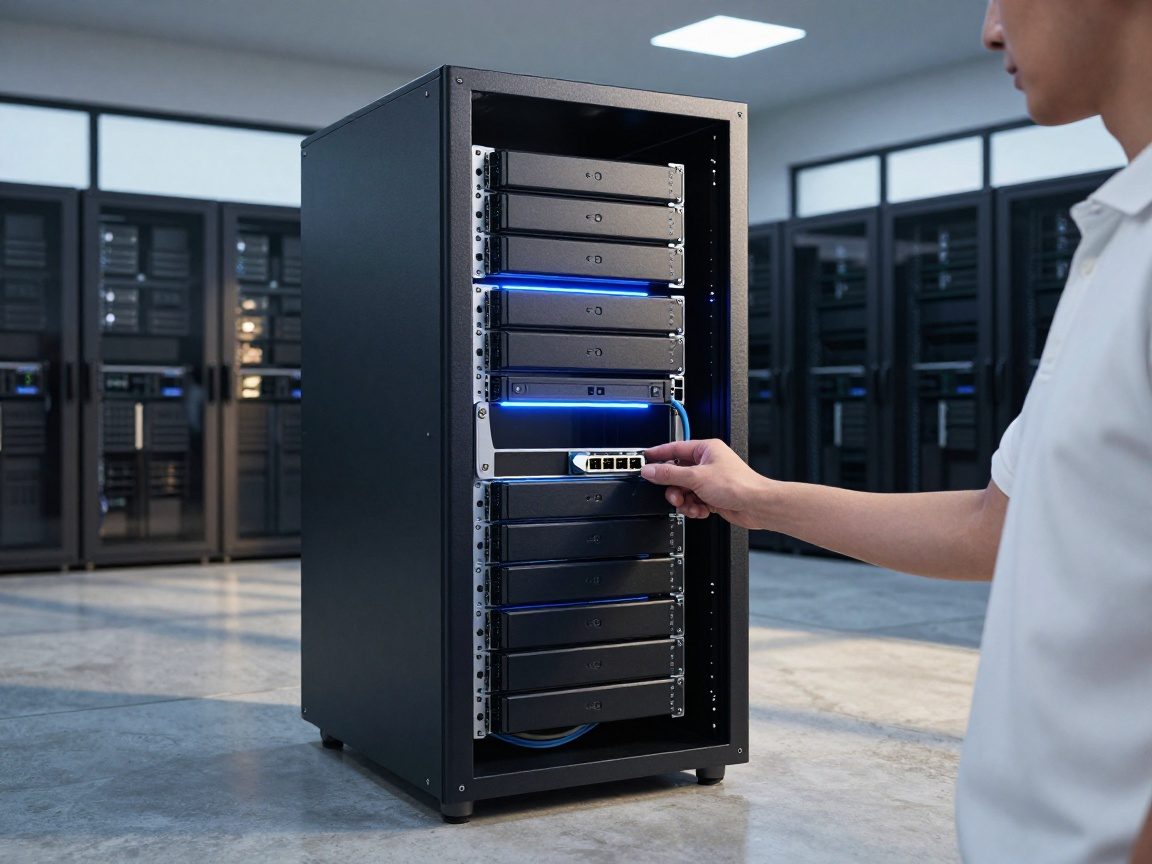
table of contents
Storage Management & Optimization for IT System Experts
Introduction: The Indispensable Role of Storage Management in IT
Alright, let’s dive into a critical realm of IT: storage management and optimization. Think of it as the engine room of your digital world. It’s the place where all your precious data – the lifeblood of any organization – gets stored, protected, and accessed. For an IT System Expert, mastering storage management isn’t just a nice-to-have skill; it’s absolutely essential.
Today, the amount of data we generate and rely on is exploding exponentially. Businesses are constantly generating more and more data. Effective storage management is no longer an option. It is a necessity. If you’re looking to maintain a healthy IT infrastructure, optimizing storage is crucial.
Why is effective storage management so crucial? Consider this: If your storage systems are slow, unreliable, or insecure, the whole IT infrastructure is in jeopardy. This means unhappy employees, frustrated customers, and a significant impact on business productivity. Therefore, the IT System Expert is on the front lines, ensuring that storage systems run smoothly, efficiently, and securely.
Storage Capacity Planning and Forecasting: Predicting the Future of Your Data
Let’s face it, predicting the future is always a challenge. But, when it comes to storage capacity, it’s a challenge we must tackle. This is where storage capacity planning and forecasting come into play. Essentially, it’s the process of figuring out how much storage space you’ll need in the future and how you will plan for it.
Data doesn’t grow in a straight line. It’s more like a rollercoaster ride, with periods of rapid growth followed by plateaus. Understanding these patterns is the first step. Is it due to new applications, an increasing number of files, or perhaps even a surge in video content? Armed with this knowledge, you can start forecasting your storage needs. You will need to think of future needs and how they will grow or shrink.
Several tools and techniques can help with this. These include monitoring historical data growth, analyzing current storage utilization rates, and considering factors like business expansion plans and new project initiatives. One critical element is scalability. This means having the ability to add more storage capacity as your needs grow. This is often accomplished by using scalable storage solutions such as cloud storage and network-attached storage (NAS).
Storage Performance Monitoring and Tuning: Keeping Things Running Smoothly
Imagine your storage system is like the engine of a race car. You want it to be fast, efficient, and reliable, right? That’s where storage performance monitoring and tuning come in. This is where you fine-tune your storage systems for optimal performance.
Key performance indicators (KPIs) are your friends here. These are the metrics that tell you how your storage is performing. Examples of KPIs are: IOPS (Input/Output Operations Per Second), latency (the time it takes to access data), and throughput (the amount of data transferred over time). Monitoring these KPIs with various tools and dashboards provides valuable insights into the health of your storage system.

But monitoring is just the first step. Once you’ve identified performance bottlenecks, it’s time to tune your storage. Various techniques can be employed to optimize performance. One of these techniques is RAID (Redundant Array of Independent Disks). RAID configurations can improve read/write speeds and provide data redundancy.
Data Backup and Recovery: Protecting Your Most Valuable Asset
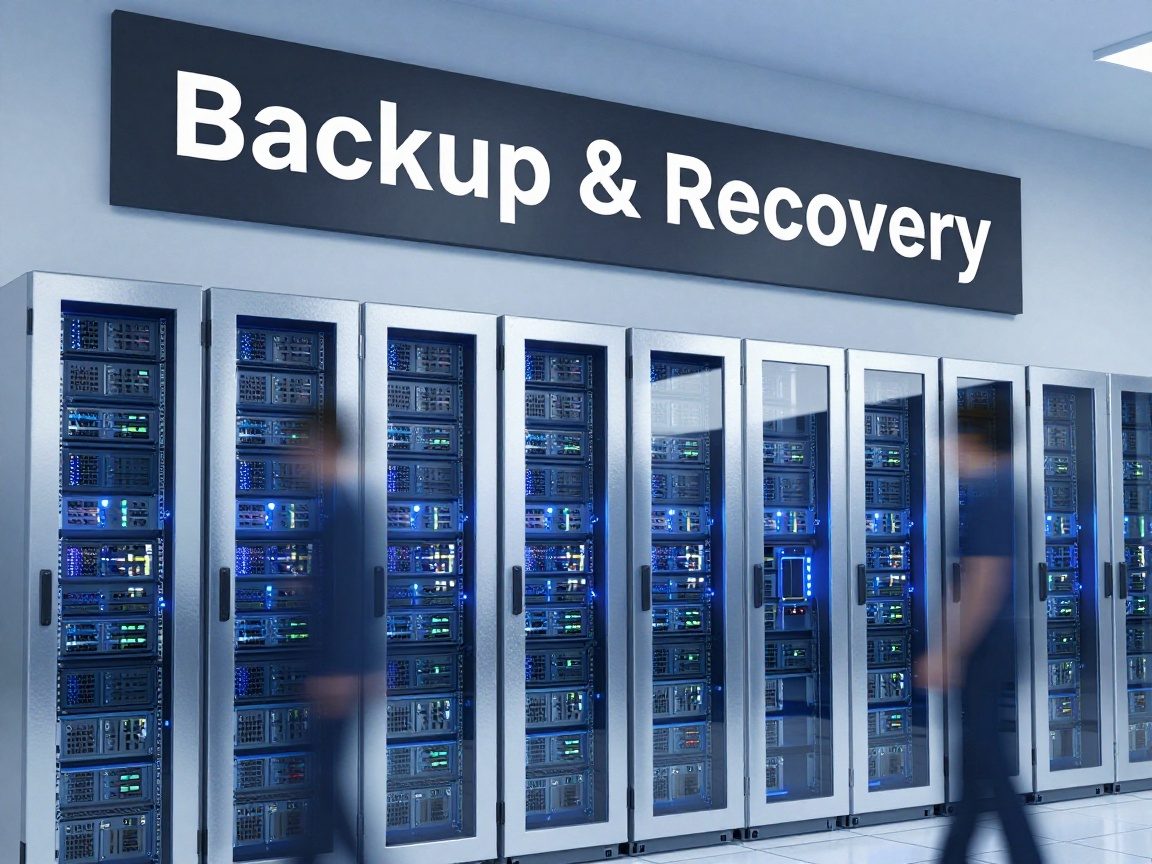
Data is like gold. It’s valuable, and it needs to be protected. Data backup and recovery are the cornerstones of any solid storage management strategy. They ensure that your data is safe and available, even in the face of disaster.
There are different types of backups, each with its own advantages. Full backups create a complete copy of all your data, while incremental backups only copy the data that has changed since the last backup. Differential backups copy the data that has changed since the last full backup. Choosing the right backup strategy depends on your business’s needs, the amount of data you need to protect, and your recovery time objectives (RTO).
A robust backup and disaster recovery plan is critical. This plan should include the frequency of backups, the storage location, and the procedures for restoring data in case of a failure. It should also include offsite backups so that you are able to recover your data from any location.
Storage Security and Access Control: Safeguarding Your Data
Data breaches and cyberattacks are, unfortunately, a fact of life in today’s digital world. That’s why strong storage security and access control are so essential. You must be able to keep your data locked down and protected.
The first line of defense is access controls and permissions. By defining who can access what data and the level of access they have, you can limit the potential damage of a security breach. Roles-based access control (RBAC) is a great approach, allowing you to assign permissions based on job roles.
Encryption is another powerful tool. Encryption scrambles your data so that it’s unreadable to unauthorized users. You can encrypt data at rest (stored on your drives) and data in transit (as it moves across the network). Consider full-disk encryption, which encrypts the entire drive.
Storage Tiering and Optimization: Making the Most of Your Resources
Not all data is created equal. Some data needs to be accessed frequently and quickly, while other data might be accessed infrequently. That’s where storage tiering and optimization come into play.

Storage tiering involves organizing your data across different storage tiers based on performance and cost considerations. You might have a fast, expensive tier for frequently accessed data (e.g., SSDs) and a slower, less expensive tier for infrequently accessed data (e.g., HDDs or cloud storage).
Automated storage tiering (AST) is a game-changer. It automatically moves data between different storage tiers based on access patterns. You can set up the system to automatically identify and move data from one tier to another.
Data deduplication and compression are additional tools that can optimize your storage. Deduplication identifies and eliminates redundant data, while compression reduces the size of your data.
Storage Infrastructure Management: The Art of Organization
Managing storage infrastructure isn’t just about the technical aspects; it’s about organization and efficiency. This is the big picture, encompassing everything from the physical hardware to the virtualized environments and cloud integrations.
You must manage both physical and virtual storage environments, which is where you begin to create a storage management strategy. This includes tasks like configuring and maintaining storage arrays, managing storage pools, and ensuring adequate storage capacity.
Thankfully, there are many automation tools available to streamline storage management. These tools can automate tasks like provisioning storage, monitoring performance, and generating reports. This saves time and reduces the risk of human error.
Cloud Storage Integration: Embracing the Cloud
The cloud has transformed IT, and cloud storage is at the forefront of this transformation. Integrating cloud storage is a must, so it is important to learn how to adopt this new form of storage.
Cloud storage offers a lot of flexibility, scalability, and cost savings. Some of the most popular cloud storage options include Amazon Web Services (AWS) S3, Microsoft Azure Blob Storage, and Google Cloud Storage. Each of these services offers a range of storage classes and pricing options to suit different needs.
Integrating cloud storage into your existing infrastructure can be done in several ways. You can use cloud storage as a primary storage location, a backup location, or a hybrid cloud solution. Hybrid cloud storage lets you combine on-premises storage with cloud storage, allowing you to leverage the benefits of both environments.
IT System Expert Skills: The Toolbox for Storage Management
An IT System Expert in the storage management field needs a diverse set of skills to succeed. It’s more than just knowing the technical stuff; it’s about having a holistic skill set.
You will need to understand storage protocols like iSCSI, Fibre Channel, and NVMe. You must be familiar with the various types of storage hardware, from hard drives and SSDs to storage arrays and tape libraries. Knowledge of storage software, including virtualization platforms and management tools, is also essential.
You must also be able to think critically and solve problems. Excellent communication skills, both written and verbal, are also essential. Teamwork is also important, so be ready to collaborate with other IT professionals.
Stay updated on the latest industry trends and technologies. This means reading industry publications, attending conferences, and pursuing certifications.
The Future of Storage Management: Trends and Predictions
What does the future hold for storage management? Several trends are shaping the landscape, and it’s important to stay ahead of the curve.
Software-defined storage (SDS) is becoming increasingly popular. SDS separates the storage software from the underlying hardware, providing greater flexibility and agility. This also allows for greater integration with other technologies.
Object storage is another growing trend. Object storage stores data as objects, which are easily scalable and well-suited for unstructured data, such as images, videos, and documents. It’s a useful form of storage in today’s world.
AI and machine learning (ML) are starting to play a larger role in storage management. These technologies can automate tasks like performance optimization, capacity planning, and anomaly detection.
Conclusion
Mastering storage management and optimization is critical for any IT System Expert. It goes beyond simply storing data; it’s about ensuring data is accessible, secure, and cost-effective. By understanding the various aspects of storage, from capacity planning to security and cloud integration, you can protect, optimize, and leverage your data to drive business success. By staying up-to-date on the latest trends and technologies, you will be well-equipped to navigate the ever-evolving world of storage. It’s not just a job. It is a fascinating and essential aspect of the technology field.

FAQs
1. What are the main differences between SAN and NAS storage?
A Storage Area Network (SAN) provides block-level storage, often used for high-performance applications and databases. Network Attached Storage (NAS) offers file-level storage, ideal for file sharing and general data storage. In short, SAN provides raw storage and NAS provides shared files.
2. What is the difference between RAID 5 and RAID 6?
Both RAID 5 and RAID 6 are popular RAID levels that provide data redundancy. RAID 5 uses distributed parity, meaning that the parity information is distributed across all drives. RAID 6 uses dual parity, meaning it can withstand two drive failures. RAID 6 is more fault-tolerant but has a slightly lower write performance than RAID 5.
3. How do I choose the right cloud storage service?
The right cloud storage service depends on your specific needs and requirements. Factors to consider include cost, performance, security, scalability, and features. Consider the type of data you’ll be storing, your expected storage capacity, and your data access patterns. You should also evaluate the service provider’s security measures and compliance certifications.
4. What are the benefits of data deduplication?
Data deduplication significantly reduces storage costs by eliminating redundant data. This leads to a reduced amount of storage space required, faster backups, and reduced network bandwidth usage. Deduplication also can increase data recovery speeds.
5. How can I improve the performance of my storage system?
You can improve storage performance through various techniques. You may want to implement RAID configurations, using SSDs for frequently accessed data, caching data, and optimizing network performance. Regular monitoring and tuning can also identify and address performance bottlenecks.