
table of contents
Mastering Deployment & Implementation: The IT Project Manager’s Guide
Alright, let’s dive into the world of IT project management, specifically focusing on the thrilling – and sometimes nerve-wracking – phase of deployment and implementation. Think of it as the grand finale of a complex symphony. It’s where all the planning, coding, and testing come together, and if executed correctly, it’s pure magic. In this guide, we’ll explore the critical role of an IT Project Manager (that’s you!) in navigating this crucial stage. We’ll cover everything from planning and execution to post-deployment support, ensuring that your projects go live successfully and deliver the expected value.
The IT Project Manager: Your Deployment & Implementation Superhero
Let’s be honest, the IT Project Manager is like the conductor of the orchestra. You don’t play every instrument, but you ensure everyone is in tune, the tempo is correct, and the performance is flawless. In the world of deployment and implementation, the IT Project Manager is the central figure. You’re the one who orchestrates the entire process, making sure everything moves forward smoothly.
Core Responsibilities: Leading the Charge
So, what does this superhero do? The core responsibilities of an IT Project Manager during deployment and implementation are vast and varied. You’re essentially the “point person” for the entire process. This involves overseeing all aspects, from planning and scoping the deployment to setting up the environment, migrating data, testing, providing user training, managing stakeholders, and providing post-deployment support. You’re the problem-solver, the communicator, the risk manager, and the overall driving force behind a successful implementation. Sounds like a lot? It is, but that’s where the fun begins!
Why Deployment & Implementation Matter
Why does all of this matter? Well, think about it this way: you can have the best software, the most innovative system, or the most cutting-edge technology. Still, if the deployment and implementation go sideways, the entire project can fail. Effectively, you’re the one who ensures that the benefits of your hard work are delivered to the end-user. A successful deployment means user adoption, increased efficiency, and a positive return on investment (ROI). A failure? Well, it can result in wasted resources, frustrated users, and a tarnished reputation. The stakes are high, but with the right approach, you’re ready to succeed.
Planning and Scoping: Laying the Foundation for Success
Before you even think about launching, you need a solid plan. Planning and scoping are the foundational pillars of a successful deployment. Consider it like the blueprints for a building; you need them before construction can begin.
Defining the Scope: What’s Included?
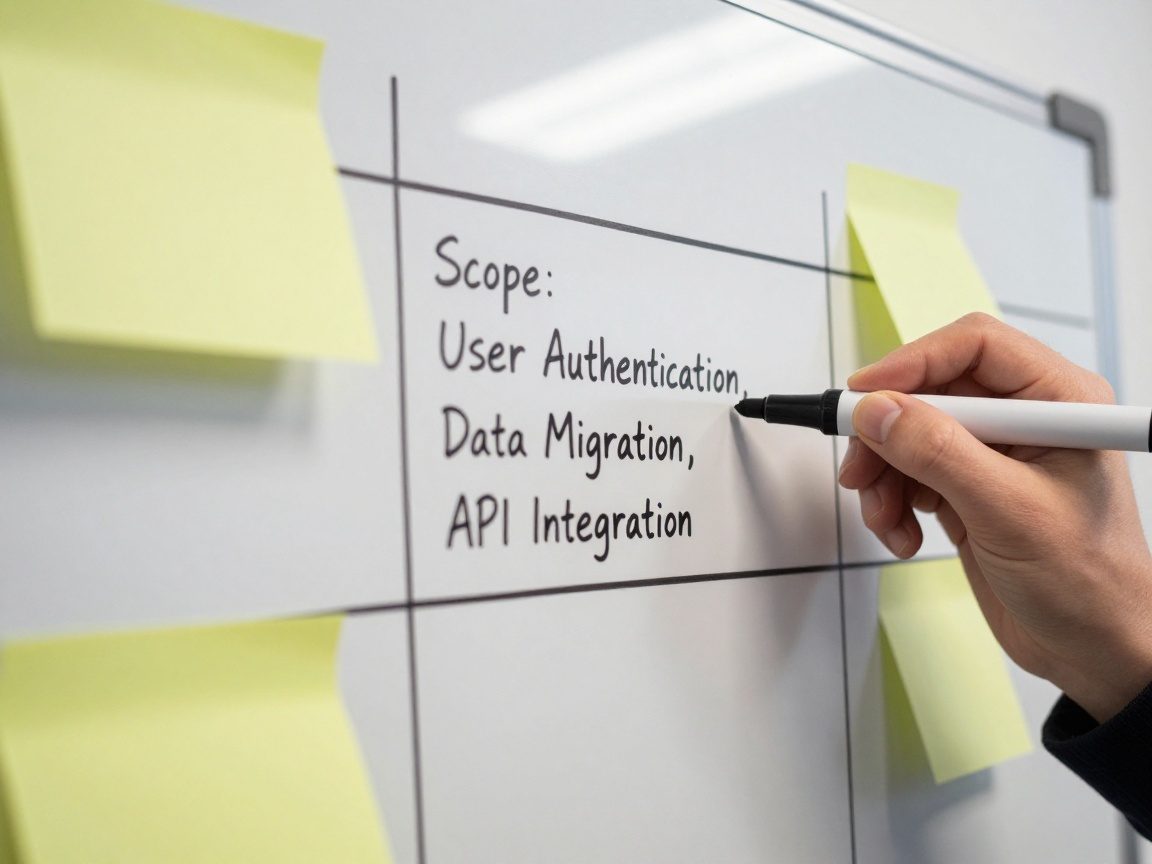
What are you delivering? What are the specific features, functions, and integrations that are part of this release? Be precise. Define the scope. This includes identifying all the components involved, the data to be migrated, the users impacted, and the specific goals and objectives of the implementation. You must document the scope clearly. This is vital. It helps prevent scope creep, where the project’s features and requirements expand beyond the initial plan, and allows you to control costs and timelines.
Creating a Realistic Timeline and Budget
Time is money, as they say. Creating a realistic timeline and budget is essential. Break down the project into smaller, manageable tasks. Estimate the time and resources needed for each task and establish deadlines. Don’t forget to include buffer time to account for unexpected issues. Similarly, you should develop a detailed budget, allocating costs for personnel, infrastructure, software, and other resources. Regular monitoring of your timeline and budget is crucial. Track your progress and make adjustments as needed. Communication is key here. Keep your stakeholders informed of any changes or potential roadblocks.
Environment Setup and Configuration: Building the Infrastructure
Think of the environment setup and configuration as preparing the stage for the performance. It’s about ensuring that the infrastructure is in place and properly set up for the new software or system.
Setting Up the Stage: Environments
You’ll likely need several environments, including a development environment for building and testing the system, a testing environment for user acceptance testing (UAT), and a production environment where the live system will reside. The development environment is like the workshop, the testing environment is like the dress rehearsal, and the production environment is showtime.
Configuration: The Fine-Tuning
Once the environments are in place, you need to configure them. This includes installing software, setting up databases, and configuring network settings. Ensure security is in place. This is critical. Configure the settings to match the project’s requirements and security protocols. Thoroughly document every configuration step. Should you encounter any issues, detailed documentation will be a lifesaver.
Data Migration and Integration: Making the Pieces Fit
Data migration and integration are like fitting puzzle pieces. This is the process of moving data from existing systems into the new system. Integration is ensuring that the new system works seamlessly with other systems.
Planning for Data Migration: A Delicate Operation
Plan the data migration meticulously. Identify the data to be migrated, the format, and the method of migration. Create a data migration plan outlining the steps involved, timelines, and resources needed. Data integrity is paramount. Before migration, clean and validate the data to ensure its accuracy and consistency. Test the migration process. Run a trial migration in a test environment to identify potential issues before the live migration.
Integration: Connecting the Dots
The integration phase focuses on connecting the new system to other systems. You might need to build APIs (Application Programming Interfaces) or use other methods to establish communication. Develop a clear integration plan that outlines the interfaces, data flows, and testing procedures. Testing is essential. Thoroughly test all integrations to ensure that data moves accurately and reliably between systems.
Testing and Quality Assurance: Ensuring a Smooth Ride
Testing and quality assurance are critical. This is like checking the safety features of a vehicle before hitting the open road. Testing ensures that the system is functioning as expected and meets the requirements.

Types of Testing: Ensuring Quality
There are various types of testing. There is unit testing, which focuses on individual components. Integration testing, which tests the interactions between different components. System testing, which tests the entire system against the requirements. Finally, user acceptance testing (UAT), where end-users test the system to ensure it meets their needs. Develop a testing plan that outlines the scope, objectives, and test cases.
Gathering Feedback: Iteration is Key
Document your testing results. Track any defects, and ensure that they are addressed. Involve users in the testing process. Encourage them to provide feedback and suggestions. Embrace the iterative nature of software development. Use the testing results to improve the system.
User Training and Onboarding: Empowering Your Users
User training and onboarding are like giving your users the keys to a new car. It’s about equipping them with the knowledge and skills they need to use the new system effectively.
Developing Training Materials: Keep it Simple
Create comprehensive training materials. Develop user manuals, online tutorials, and FAQs. Make sure your materials are easy to understand. Use clear, concise language, and keep the content organized. Focus on practical, hands-on training that allows users to learn by doing.
Onboarding: Smooth Transitions
Plan a structured onboarding process. Welcome new users and provide an overview of the system. Gradually introduce new features and functionalities. Ensure that users have access to support and assistance. Encourage users to provide feedback. Consider this to be a continuous process.
Go-Live and Post-Deployment Support: The Big Day and Beyond
The go-live and post-deployment phases are the culmination of all your hard work. This is showtime!
The Go-Live: A Well-Orchestrated Event
Carefully plan the go-live. Develop a detailed go-live plan outlining the tasks, timelines, and roles. Prepare for the unexpected. Have a rollback plan in case of major issues. Monitor the system performance and address any issues promptly.

Post-Deployment Support: Addressing Issues
Provide ongoing support to users. Establish a help desk or support channels to address any questions or issues. Regularly monitor system performance and address any problems. Gather user feedback and use it to improve the system.
Communication and Stakeholder Management: Keeping Everyone in the Loop
Communication and stakeholder management are like building relationships. This is about keeping everyone informed and engaged throughout the project.
Communication Strategies: Staying Connected
Develop a communication plan that outlines the frequency, channels, and content of communications. This includes regular status updates, meeting minutes, and any other project-related information. Be proactive. Communicate any risks or issues immediately. Use clear and concise language.
Managing Stakeholder Expectations: Building Trust
Identify your stakeholders and their needs. Keep your stakeholders informed of project progress, risks, and issues. Manage their expectations. Build trust. Ensure your stakeholders understand the project and its goals.
Risk Management and Issue Resolution: Navigating the Challenges
Risk management and issue resolution are about anticipating potential problems. This is the equivalent of being prepared for a storm. It is about identifying potential risks and having a plan in place to mitigate them.
Identifying Potential Risks: Proactive Thinking
Identify the risks associated with the project. Evaluate the likelihood and impact of each risk. Develop a risk management plan. Outline the steps to be taken to prevent or mitigate risks.
Issue Resolution: Swift Action
Establish a process for resolving issues. Track issues. Prioritize and address issues promptly. Communicate the issue and resolution to the stakeholders. Learn from the past. Analyze the issues and implement preventative measures.
Conclusion: Mastering the Art of Deployment
Alright, you made it to the finish line! Deploying and implementing IT projects is a complex endeavor, but with careful planning, execution, and a commitment to quality, you can ensure a successful outcome. The IT Project Manager is the guiding light in this process, the central figure who brings all the pieces together. You have the power to transform a vision into reality. Remember to keep the communication flowing, manage risks proactively, and stay flexible. The journey may be challenging, but the rewards – a smoothly running system, happy users, and successful projects – are well worth the effort. Embrace the challenge, stay organized, and never stop learning.
FAQs
What are the most common pitfalls to avoid during deployment and implementation?
Some common pitfalls include inadequate planning, poor communication, lack of user training, and insufficient testing. Avoiding these requires a proactive approach, thoroughness, and a constant focus on stakeholder needs.
How do I handle scope creep during a project?
To deal with scope creep, clearly define the project scope upfront, meticulously document all changes, and get formal approval from stakeholders for any new additions. Regularly review the scope and ensure alignment with the project goals.
What are the key metrics to track to measure deployment success?
Key metrics include user adoption rates, system performance (uptime, response times), the number of reported issues, and user satisfaction scores. These metrics help gauge the success of deployment and identify areas for improvement.
How can I ensure successful user training?
Ensure user training by creating clear and concise training materials, providing hands-on training opportunities, and offering ongoing support. Tailor training to the audience, and gather feedback to continually improve the training program.
What tools can assist an IT Project Manager during deployment?
Project management software (like Jira or Asana), communication platforms (like Slack or Microsoft Teams), and monitoring tools are invaluable. Additionally, tools for data migration, testing, and version control can streamline various processes.