table of contents
Network Performance Optimization: A Network Administrator’s Guide to Peak Efficiency
As a network administrator, you’re the unsung hero, the digital guardian, and the orchestrator of smooth network operations. You’re essentially the conductor of a complex symphony of data packets, ensuring everything runs in perfect harmony. But in today’s fast-paced digital world, simply keeping things running isn’t enough. Network performance optimization is the name of the game. It’s about maximizing speed, minimizing downtime, and guaranteeing that users can access the resources they need, when they need them. So, let’s dive into a network administrator’s guide to unlocking peak network efficiency, shall we?
The Network Administrator: Your Guide to Optimization
Before we get into the nitty-gritty, let’s talk about you, the network administrator. You’re the frontline, the person responsible for the smooth operation of the entire network infrastructure. Your skills are in high demand in the modern world. From setting up and maintaining the network to troubleshooting problems, your job requires a diverse set of skills and a deep understanding of how everything works together. You are the captain of the ship, the one who steers the network through both calm and turbulent digital waters. Understanding your role in network performance optimization is the first key to success. You aren’t just reacting to problems; you’re proactively shaping a robust, efficient, and secure network.
The Core Responsibilities: A Deep Dive
Think of your core responsibilities as the foundational pillars of a high-performing network. Neglecting any of these areas can quickly lead to performance bottlenecks, security breaches, and frustrated users. Let’s take a closer look.
Monitoring Network Performance: The Constant Vigil
Constant vigilance is paramount. Monitoring network performance isn’t a one-time task; it’s an ongoing, cyclical process. You need to be the eyes and ears of the network, always watching, always listening for any signs of trouble. This involves the use of specialized software, hardware, and a keen understanding of what constitutes normal network behavior. Monitoring allows you to proactively identify issues before they escalate into full-blown crises. You must have a proactive approach for this process.
Key Metrics to Track: Understanding the Pulse
So, what exactly should you be monitoring? Think of these metrics as the vital signs of your network. By tracking them, you can understand its health and predict potential problems.
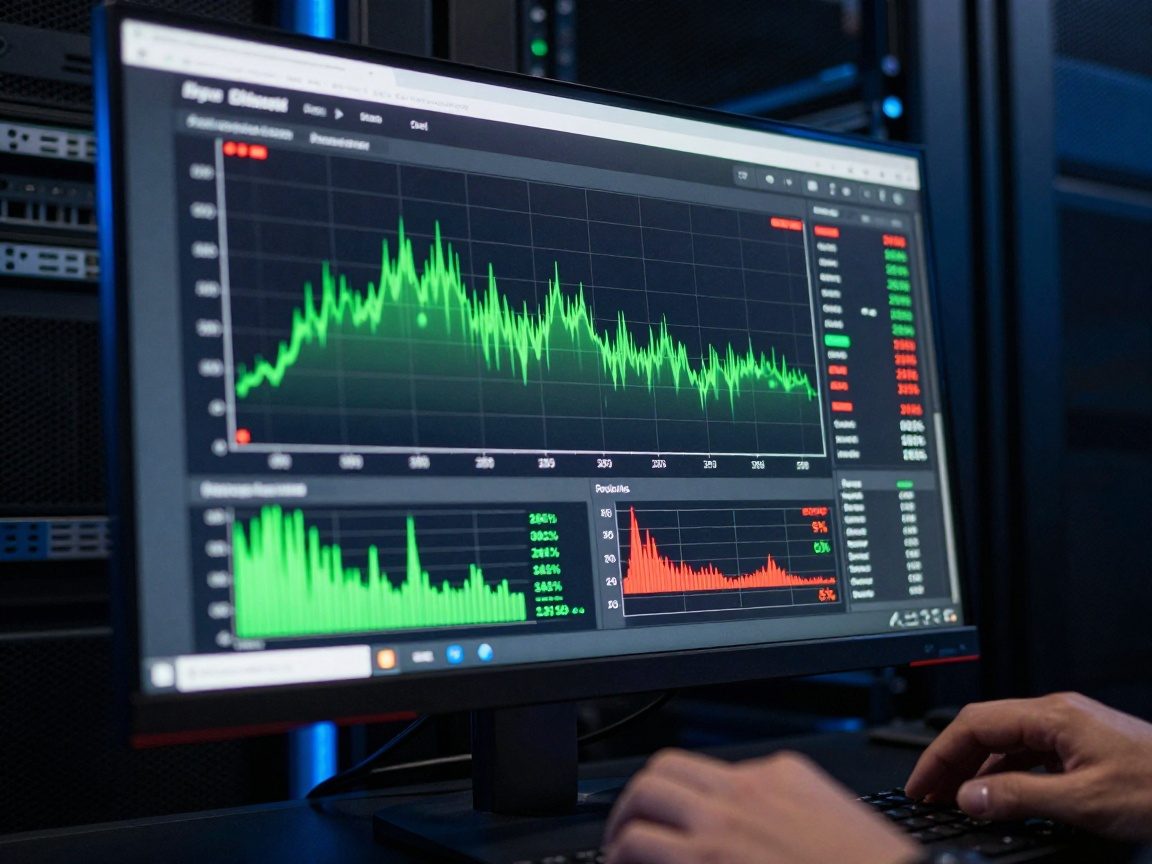
- Bandwidth Utilization: This shows how much of your network’s capacity is being used. High utilization can lead to slow performance. You should be monitoring bandwidth usage in real-time.
- Latency: Also known as delay, latency measures how long it takes for data to travel between two points on the network. High latency can lead to sluggish application performance.
- Packet Loss: This is the percentage of data packets that fail to reach their destination. Packet loss directly impacts performance and reliability. Tracking this can help you determine the health of the network.
- Uptime: The amount of time the network is operational. Minimizing downtime is a primary goal of any network administrator.
- Error Rates: This includes errors like CRC errors, collisions, and other issues that can signal underlying hardware or configuration problems.
Troubleshooting Network Issues: Swift Problem Solving
When things go wrong – and let’s face it, they will – you’ll need to be a swift and effective troubleshooter. The faster you can diagnose and resolve a problem, the less impact it will have on users and business operations. Troubleshooting is as much an art as it is a science. It requires a methodical approach, a deep understanding of network protocols, and the ability to think on your feet. Do you have the proper skills?
Common Network Problems: Identifying the Culprits
Network issues can manifest in countless ways, but here are some of the most common culprits you’ll encounter:
- Slow Speeds: This is the most common complaint. It can be caused by a wide range of issues, from overloaded servers to bandwidth bottlenecks.
- Connectivity Problems: Users may not be able to access specific websites or applications. This could be due to firewall issues, DNS problems, or routing errors.
- Application Errors: Specific applications may crash or fail to function correctly. This could be due to compatibility issues, server-side problems, or network-related errors.
- Hardware Failures: Routers, switches, and other hardware components can fail, leading to complete network outages.
- Security Breaches: These can lead to data loss, system compromise, and significant operational disruption.
By knowing these common problems, you will have the ability to recognize potential problems and troubleshoot them more efficiently.
Network Optimization: Fine-Tuning for Speed and Stability
Network optimization is the process of tweaking, adjusting, and improving your network to achieve peak performance. It’s about making the network more efficient, reliable, and secure. Think of it as giving your network a tune-up, replacing worn-out parts, and making sure everything runs smoothly.
Capacity Planning: Preparing for the Future
Capacity planning is about anticipating future needs and ensuring your network can handle them. You don’t want your network to be the bottleneck that holds back your business growth. Capacity planning includes forecasting bandwidth needs, planning for increased user loads, and ensuring your hardware can support future growth. Are you ready for the future?
Bandwidth Management: Ensuring Fair Resource Allocation
Bandwidth is a precious resource, especially in networks with many users or bandwidth-intensive applications. Proper bandwidth management is essential for ensuring that all users have access to the resources they need. This often involves using Quality of Service (QoS) policies to prioritize certain types of traffic, such as voice or video, over less critical traffic. Bandwidth management is a balancing act, aiming to prevent any single user or application from hogging all available resources.
Security Enhancement: Fortifying the Digital Fortress
Security is an integral part of network performance optimization. A secure network is a high-performing network. If your network is constantly under attack, you can’t expect it to run efficiently. Implementing strong security measures is not only crucial for protecting data but also for preventing performance-related issues, such as denial-of-service attacks.
Implementing Security Protocols: Keeping Data Safe
Here are a few key security protocols and practices to implement:
- Firewalls: Essential for controlling network traffic and blocking unauthorized access.
- Intrusion Detection and Prevention Systems (IDPS): These systems monitor network traffic for malicious activity and can automatically block or alert you to threats.
- Regular Security Audits: These help identify vulnerabilities in your network configuration.
- Multi-Factor Authentication (MFA): Adds an extra layer of security to prevent unauthorized access to your network.
The Administrative Essentials
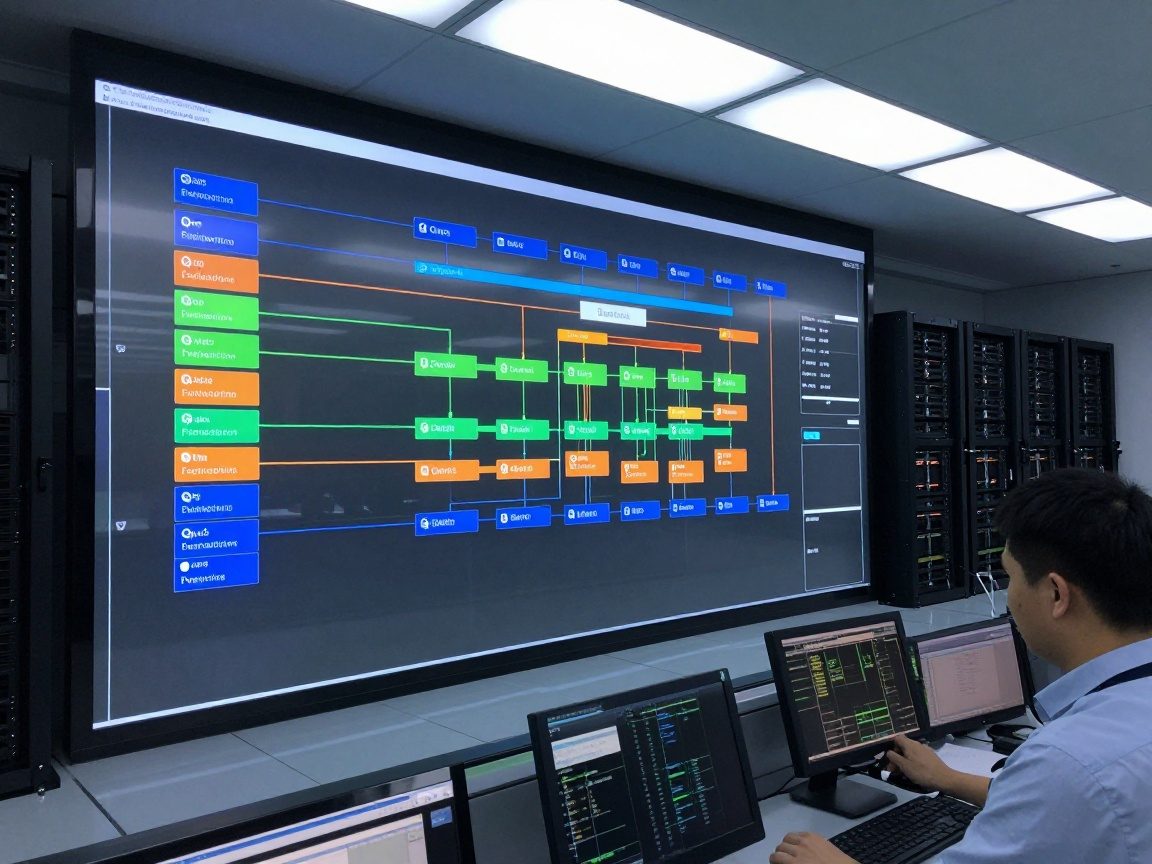
Beyond the technical aspects, there are administrative tasks that are critical to your success as a network administrator. These tasks might seem mundane, but they are incredibly important for maintaining a well-managed and efficient network.
Documentation and Reporting: The Record Keepers
Detailed documentation is essential for troubleshooting, maintenance, and compliance. Keep detailed records of your network configuration, including hardware specifications, IP addresses, and security settings. Regular reporting helps you track network performance, identify trends, and justify investments in upgrades or new technologies. This also helps your peers.
Staying Updated on Network Technologies: Never Stop Learning
The world of networking is constantly evolving. New technologies emerge, existing protocols are updated, and new threats appear. Therefore, you need to be a lifelong learner. That means reading industry publications, attending conferences, and staying up-to-date on the latest best practices and security threats. Your knowledge is your most important asset.
Tools of the Trade: The Network Administrator’s Arsenal
To effectively manage and optimize your network, you’ll need a good set of tools. Here’s a glimpse into a network administrator’s arsenal:
- Network Monitoring Software: Tools like SolarWinds, PRTG Network Monitor, and Nagios provide real-time insights into network performance, allowing you to proactively identify and resolve issues.
- Packet Analyzers: Wireshark is an invaluable tool for capturing and analyzing network traffic.
- Network Configuration Management (NCM) Tools: These tools automate configuration changes across multiple network devices, ensuring consistency and reducing the risk of errors.
- Security Information and Event Management (SIEM) Systems: SIEM systems collect and analyze security logs from various sources, providing valuable insights into potential threats and helping you respond quickly to incidents.
- Command-Line Interface (CLI) Tools: Familiarity with CLI tools like
ping,traceroute, andnslookupare essential for basic troubleshooting.
Best Practices for Ongoing Optimization
Optimization is not a one-time project; it’s an ongoing process. Implementing these best practices will help you achieve continuous improvement:

- Regularly Review and Update Network Documentation: Keep documentation current to ensure accuracy.
- Automate Routine Tasks: Use scripts and automation tools to streamline repetitive tasks, freeing up your time for more strategic activities.
- Conduct Regular Network Audits: Regularly review network security, configurations, and performance.
- Stay Informed: Keep up with the latest trends and technologies in the networking world.
Conclusion: The Continuous Pursuit of Network Excellence
Network performance optimization is a continuous journey, not a destination. By embracing the core responsibilities, implementing best practices, and staying informed about the latest technologies, you can ensure your network remains efficient, secure, and able to meet the ever-growing demands of your users. From monitoring key metrics to proactively addressing issues, the role of a network administrator is vital for maintaining a high-performing network. Remember, you are the guardian of the digital realm. The more you learn, the better you will serve. So, keep learning, keep adapting, and keep optimizing. Your network – and your users – will thank you for it.
FAQs
1. What are the most important metrics to monitor for network performance?
The most important metrics to monitor include bandwidth utilization, latency, packet loss, uptime, and error rates. These metrics provide a comprehensive view of your network’s health and performance. They should be monitored on a regular basis.
2. How can I improve network security and performance simultaneously?
Implementing strong security measures, such as firewalls, intrusion detection systems, and regular security audits, can help to improve both security and performance. These measures protect your network from attacks that can degrade performance, while also minimizing the impact of security incidents. Security is an essential part of performance.
3. What are some common causes of network slowdowns?
Common causes of network slowdowns include bandwidth bottlenecks, high latency, packet loss, hardware failures, and excessive network traffic. Identifying the root cause of the slowdown is the first step in resolving the problem.
4. How often should I review and update my network documentation?
Network documentation should be reviewed and updated regularly, at least every quarter, or whenever there are significant changes to your network configuration. Keeping documentation accurate ensures that you can troubleshoot efficiently, maintain network stability, and comply with security policies.
5. What are some free or low-cost tools that network administrators can use for monitoring?
Some free or low-cost network monitoring tools include Wireshark (for packet analysis), Nagios Core (for basic monitoring), and PRTG Network Monitor (free version for a limited number of sensors). These tools can help you get started with network performance monitoring without a significant investment.